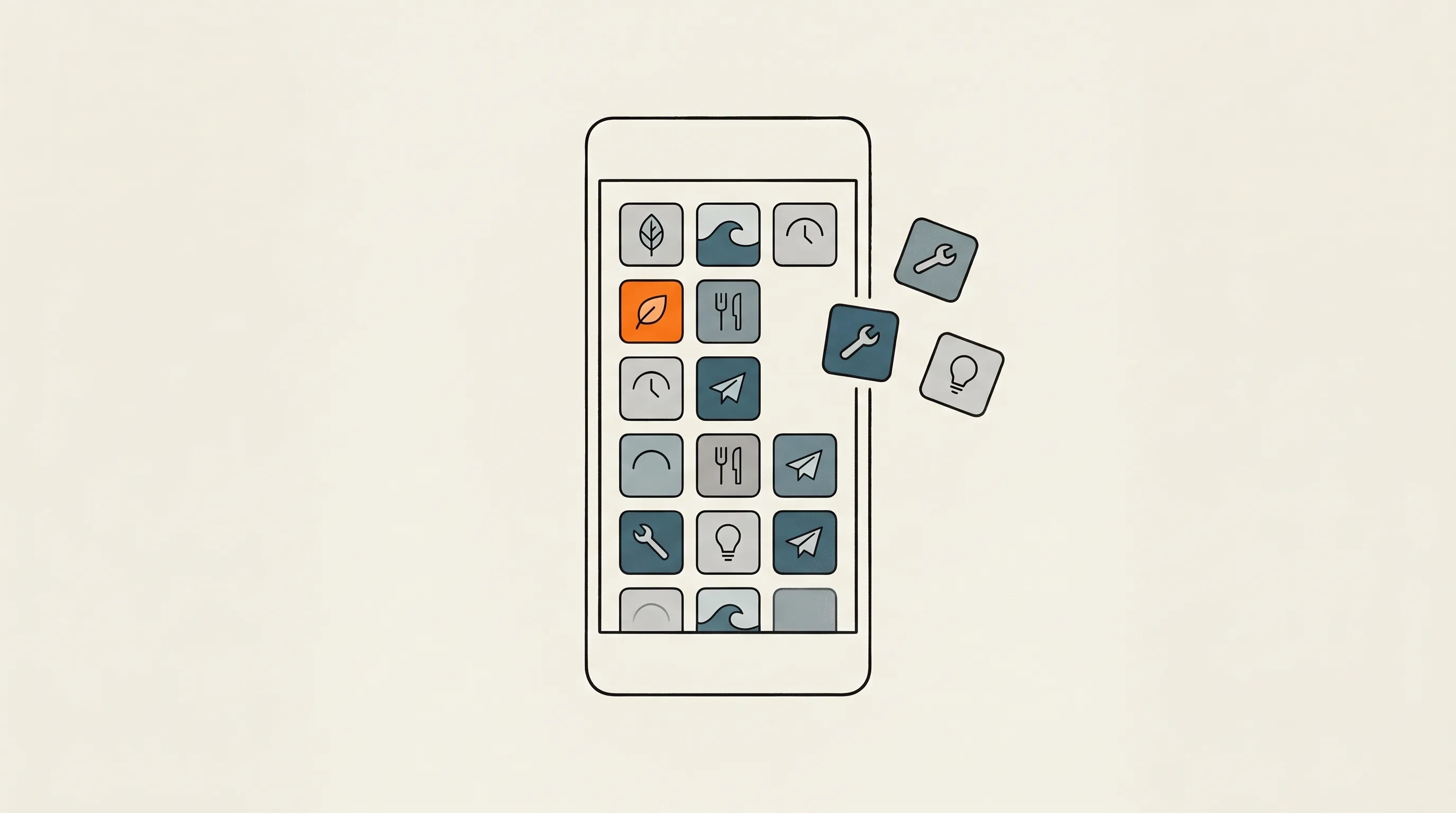
For most of software history, building an app that does exactly what one person wants was economically absurd. The effort to design, build, sign, and ship it dwarfed the value to a single user. So we all settle: we download the app that’s closest to what we want and live with the compromises.
Since around the beginning of this year I have fallen into the black hole of vibe-coding custom apps for my own usage - the apps I would like to have, done in the way I like it. I believe this is the future, people will stop buying or downloading apps, they will have some kind of AI build them for them. We might even not have the concept of apps anymore, maybe it will be our own custom operating system, with the interfaces and functionality we like, the way we like it.
But, back to the present, my collection has reached a considerable number and it continues to grow almost every week. With the release of Claude Design, these apps now started looking nice as well. I am actively re-designing some of the old ones I still use often.
Why iOS?
After a short affair with Android and generating a few tens of apps for Android, I decided that I will commit to Apple hardware. Not much to say there, I use Apple computers, headphones so it makes sense to focus on iOS apps, since I do have an iPhone as well.
The tricky part there is distributing these apps. I focused for a while on Android because it is very easy to get these apps on my phone: just push the .apk files to a website and download them from the phone. I even built a platform around this. But still, it was Android and did not play well with my other hardware.
On Apple, distribution is a bit cumbersome and without going into the details, you need an Apple Developer subscription to distribute more than 3 apps that you build to your phone and not have to re-upload them weekly. Which I subscribed for and now Testflight takes care to update my apps, with one caveat: I need to re-upload a new build every 90 days. But that is manageable.
Let me tell you a bit about how I build these apps.
How the magic happens
Nowadays, it all starts with Claude Design.
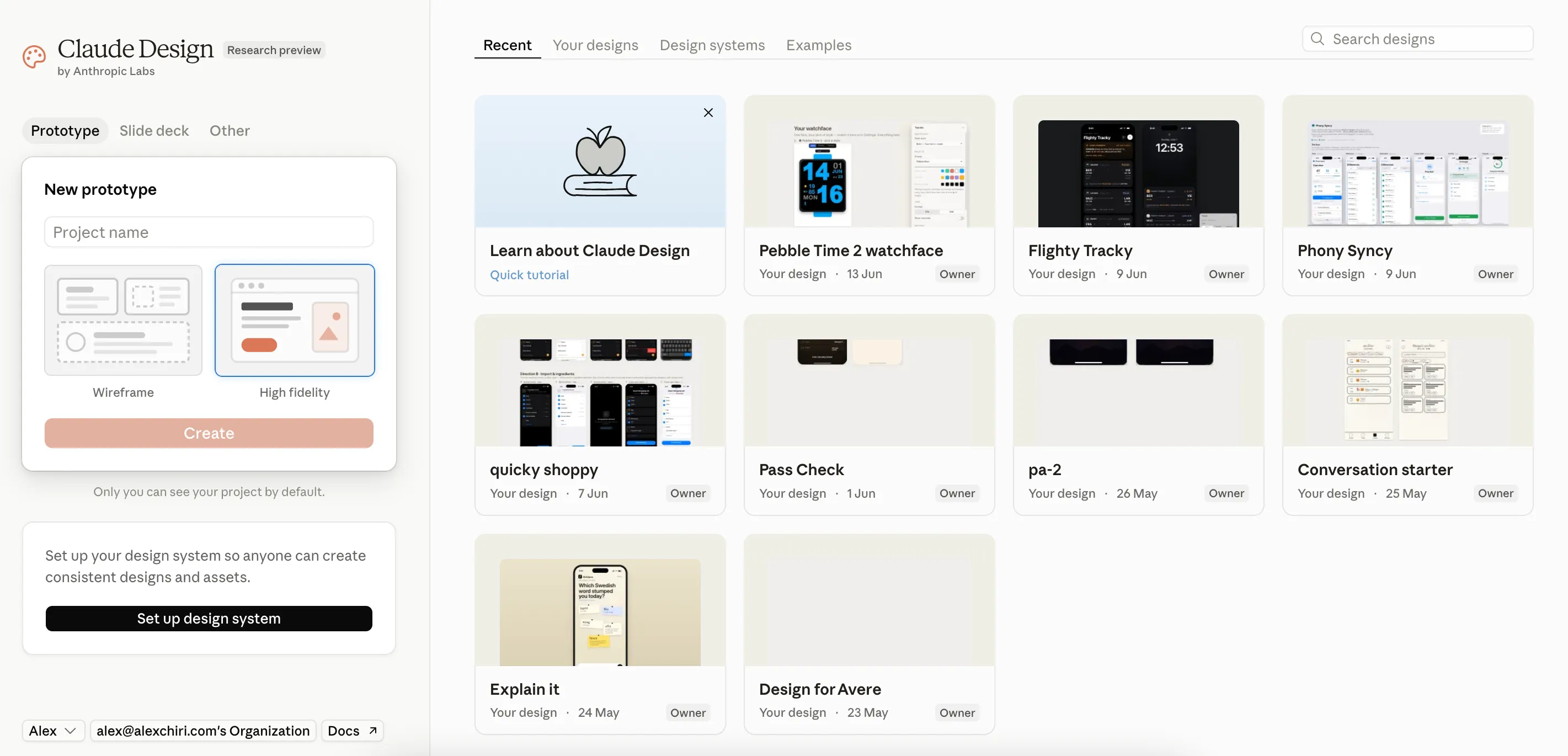
With an idea in my mind, I run it through Claude Design and refine the idea and explore options for the UI and user flow.
Once satisfied with that, I run a script that creates a new private repo from a template repo in my Github account. This template contains Claude Code skills about how new iOS app projects should be structured, how sync should be handled, how the Testflight workflow should be created and a few other details. This ensures that all of my apps start from the same base.
Next, I download the design and flow package for Claude Code from Claude Design and I tell Claude Code to implement the app, while taking into consideration all the skills in the project. About 30-40 minutes later I already have a first version of that app on my phone. Depending on the complexity, I need several more iterations with Claude Code to get the app working in a good way. Most of the times, I find bugs as I use the apps. The good thing is that with the Testflight Github workflow configured from the beginning, I can fix bugs and release new versions from my phone (using Claude Code app on iOS).
But enough with the how, let me give you a tour of these apps I use the most
A tour
 Avere
Avere
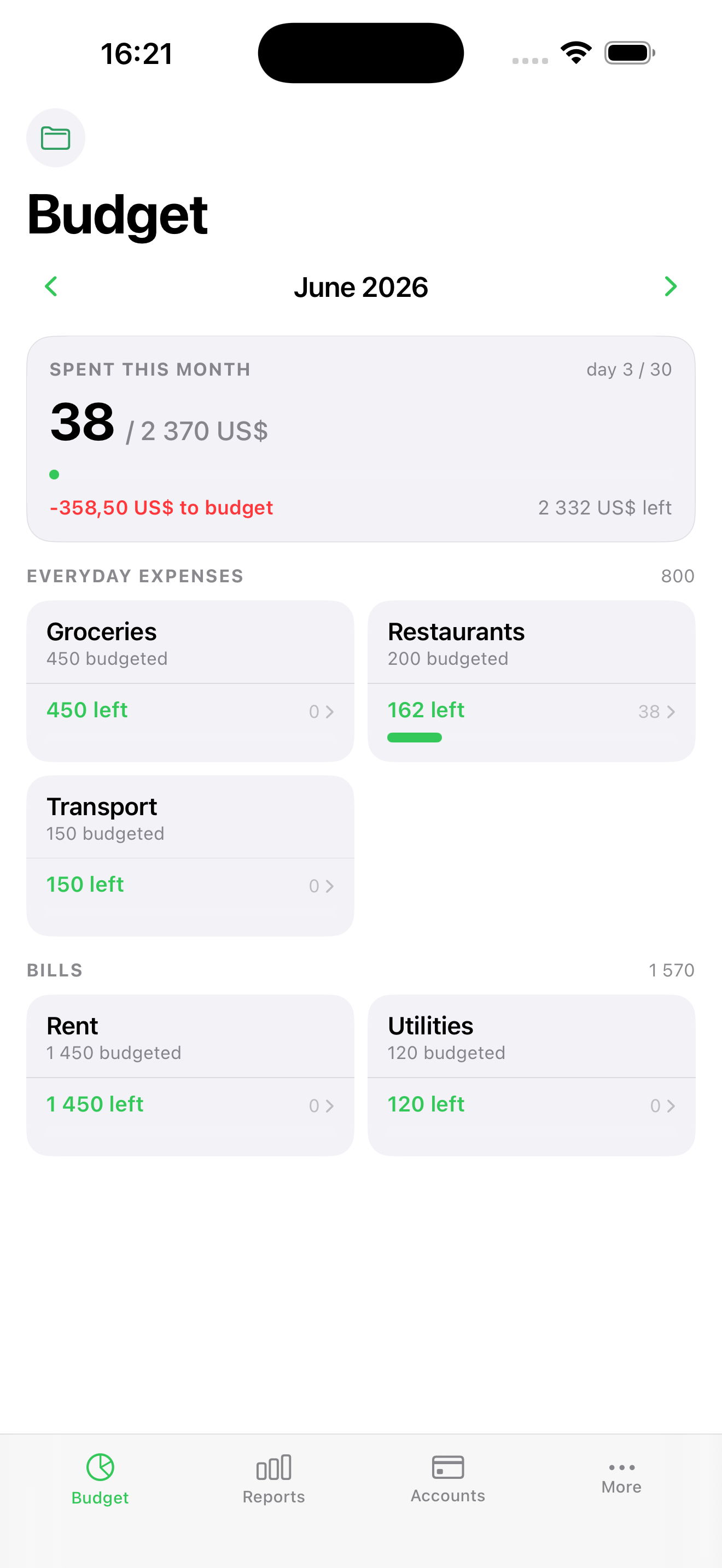
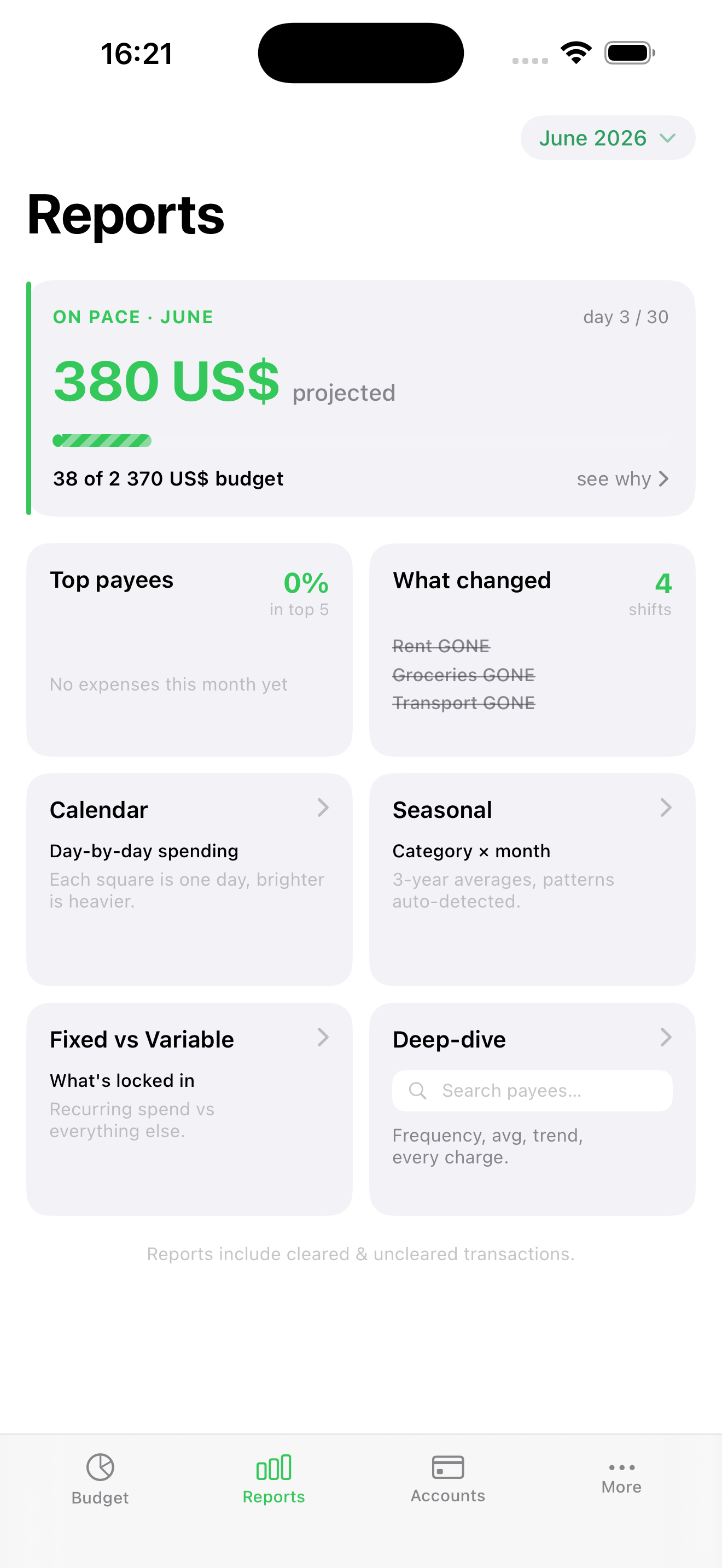
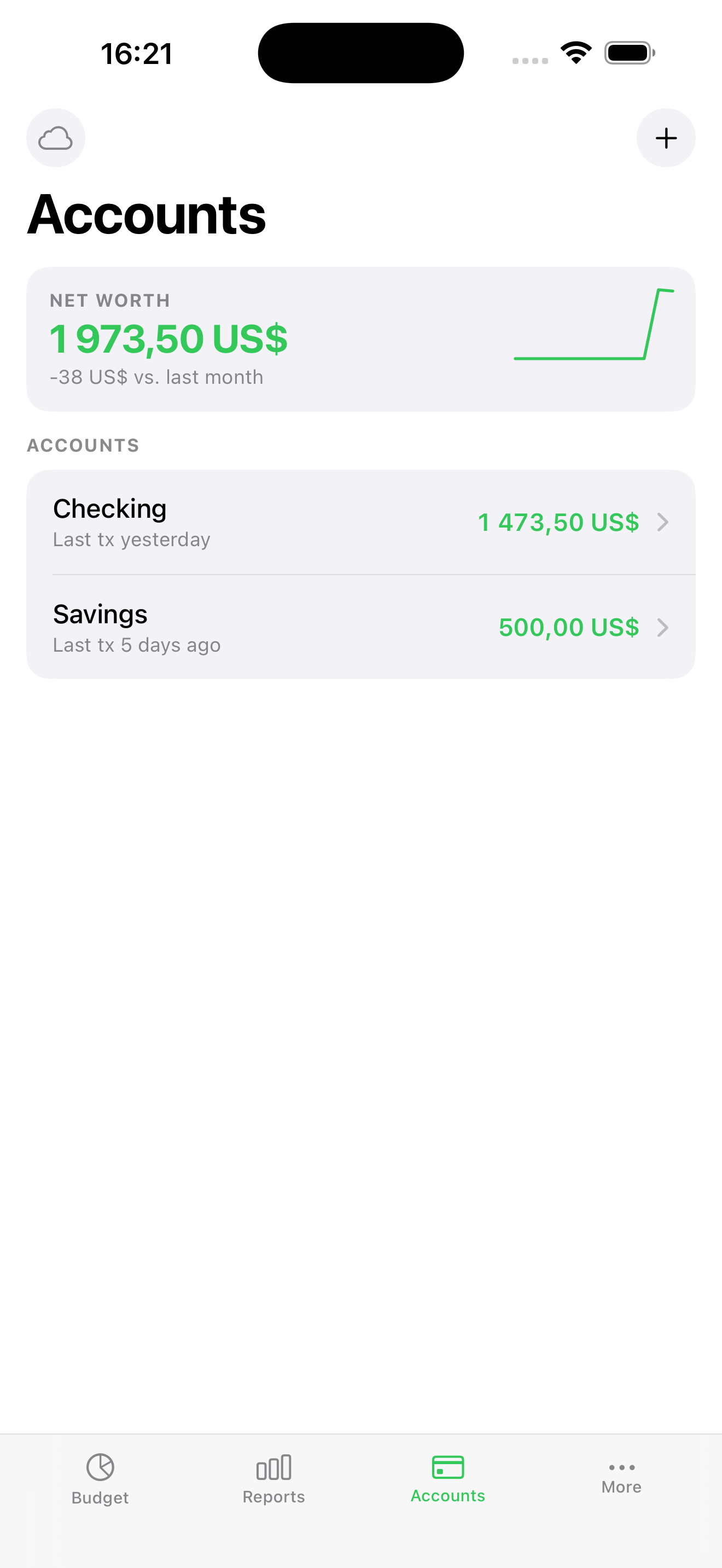
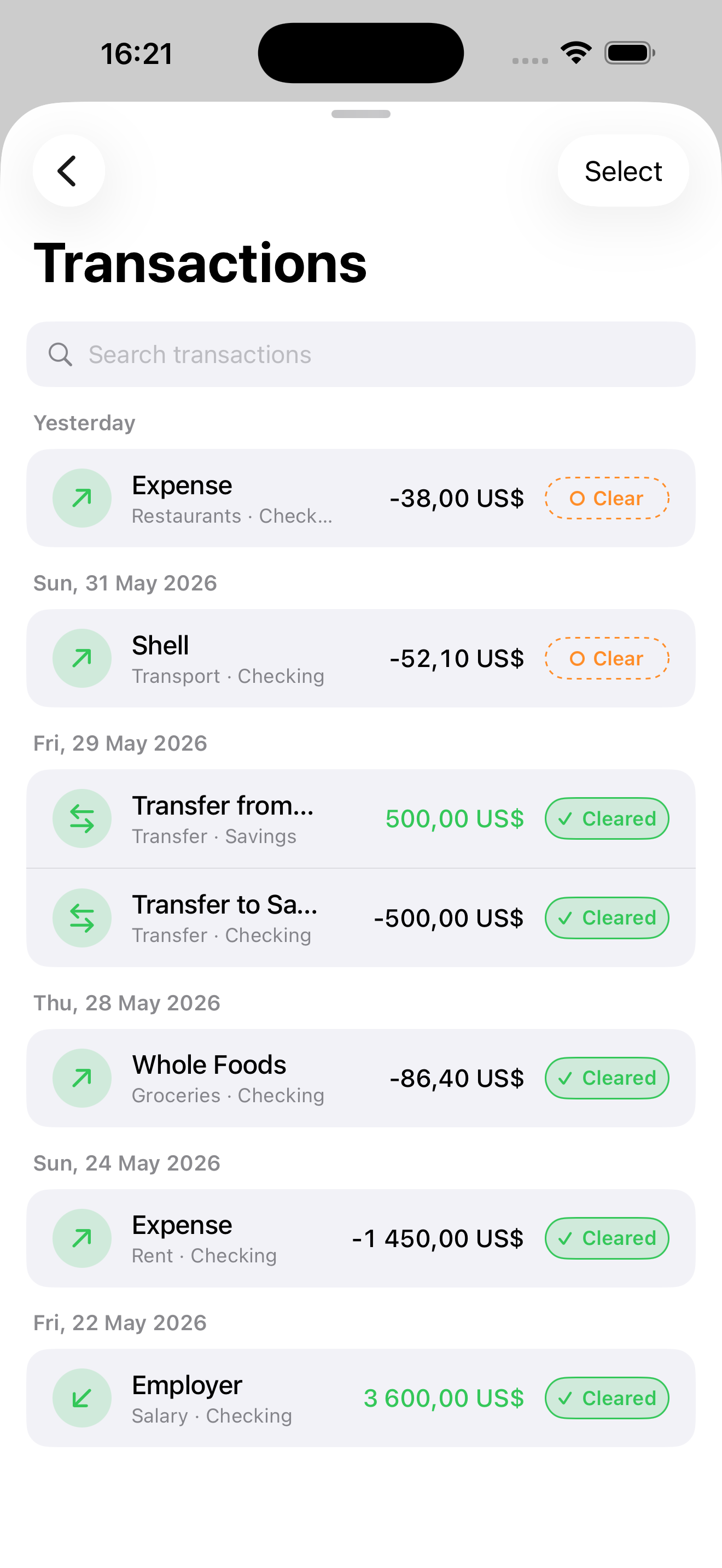
Avere is my own private, encrypted take on envelope budgeting — basically a personal clone of Actual Budget, built exactly the way I want it. Every month gets a fresh set of envelopes, and I can see at a glance how much I have left to spend in each category. The Reports tab projects where I’ll land by month-end and breaks spending down by payee, calendar day, and season. Everything is encrypted with AES-256-GCM and the key is synced through my iCloud Keychain, so it stays private and works across all my devices. It even imports my full history straight out of Actual.
 Pass Check
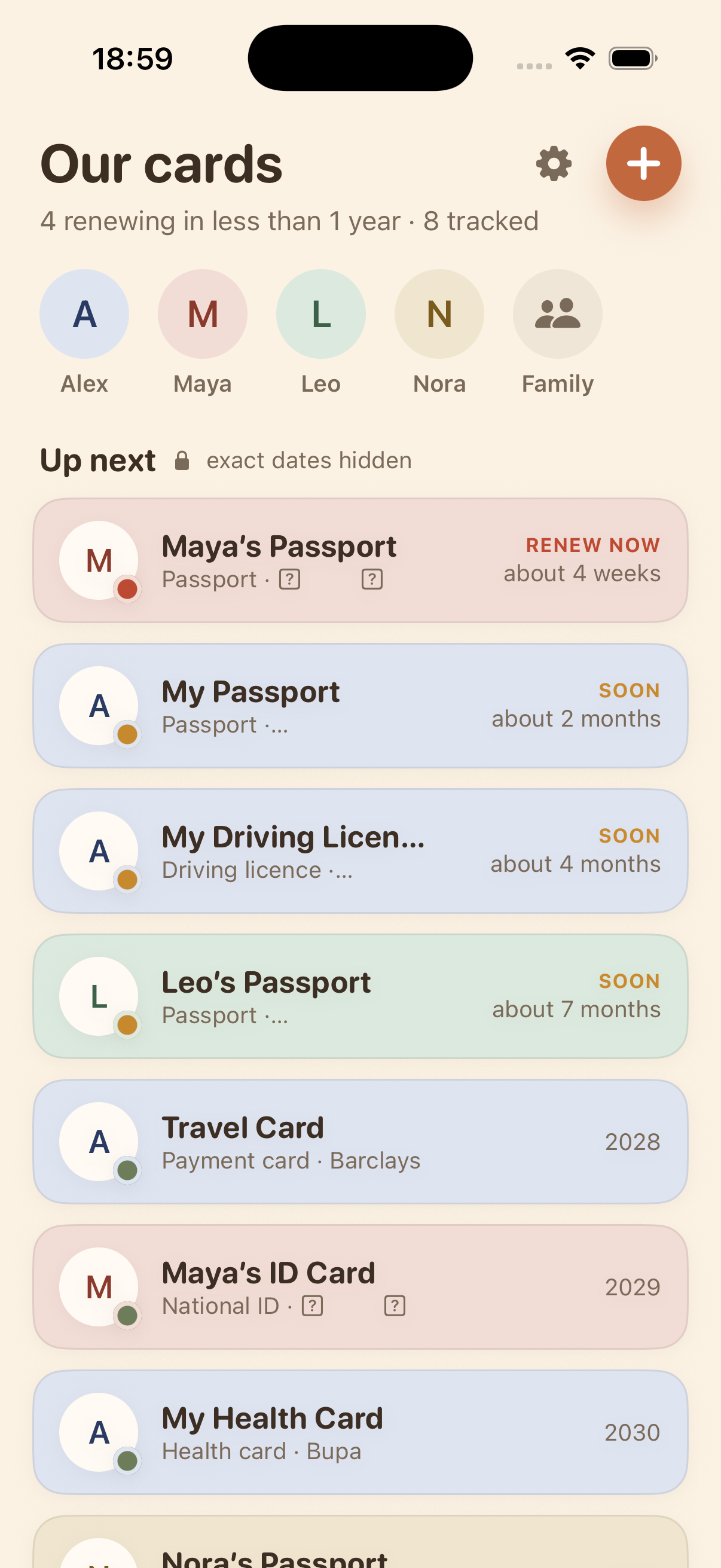
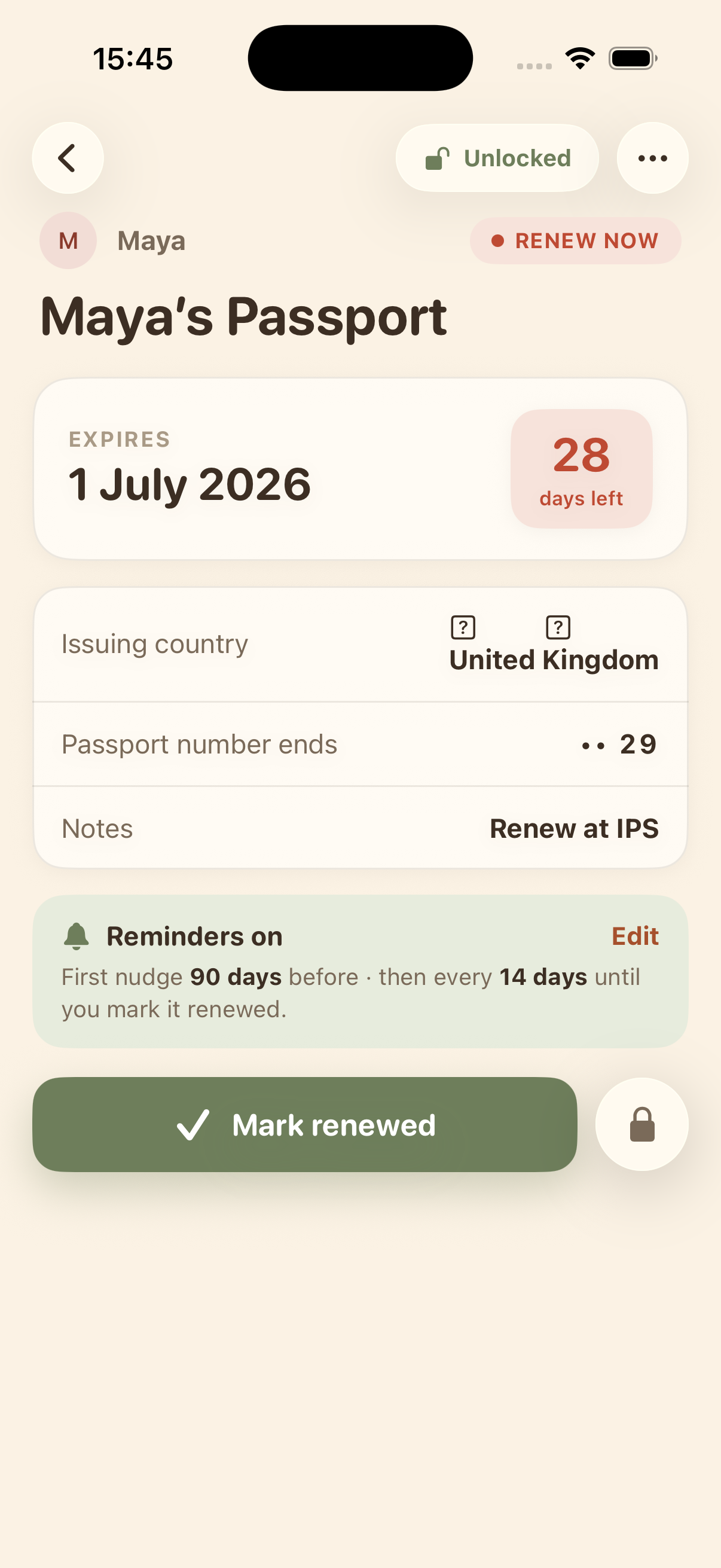
Pass Check tracks when the whole family’s passports, IDs, and cards expire, and nudges me well ahead of time. Its defining idea is privacy as an invariant: it never stores full document numbers, keeps everything on-device, and hides details behind a Face ID reveal-gate — yet the “urgency” math still runs while locked, so reminders work without exposing anything. A Live Activity widget appears on my lock screen when it’s almost time to renew a document or a card, to make sure I don’t forget. This is an app I will not actively use that much, but still good to have to an overview of our important documents and their expiration dates.
 Mind
Mind
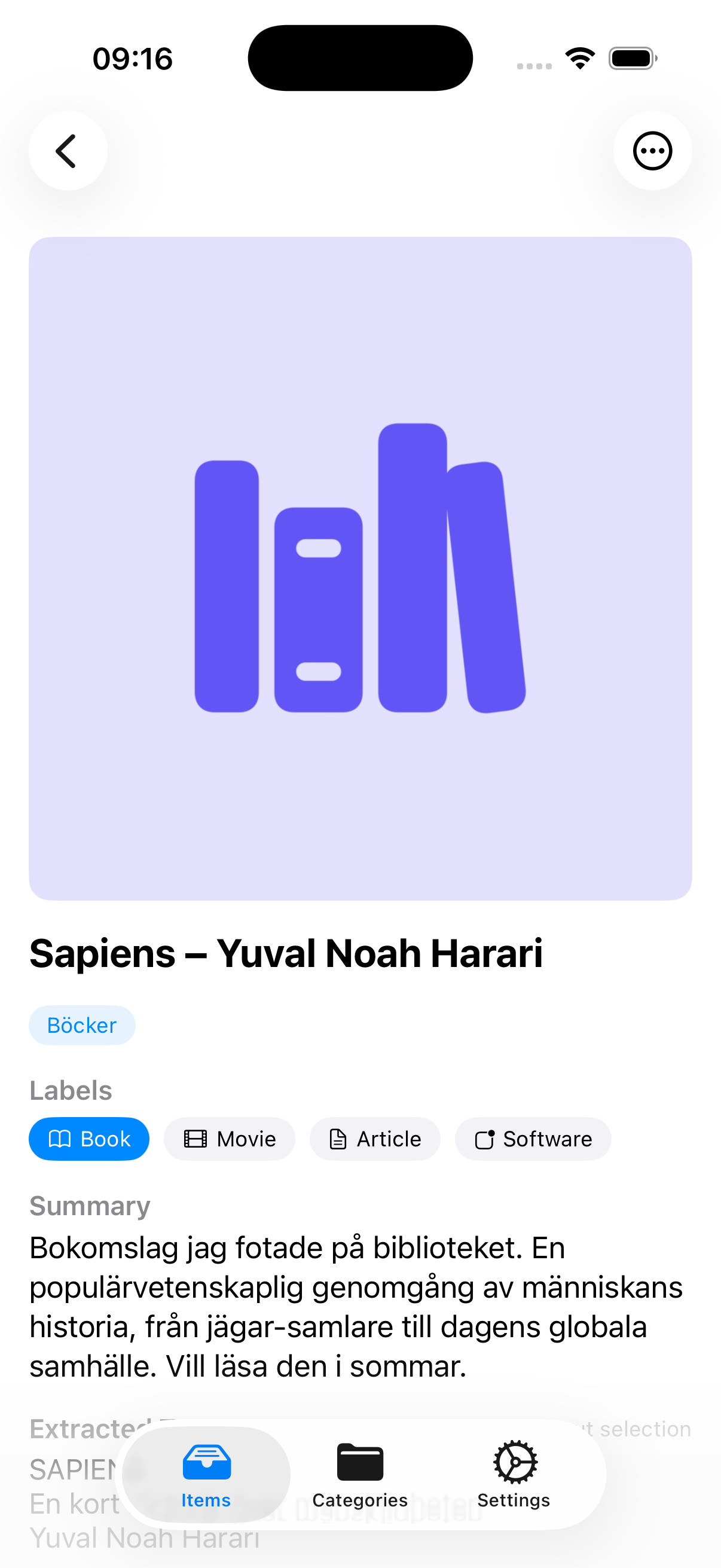
Mind is my AI inbox for everything I screenshot or save. Share a photo or a link and Claude OCRs it, writes a title and summary, categorizes it, and even builds verified related links. Capture is dumb-fast; the AI does the boring filing later.
 IdeaLog
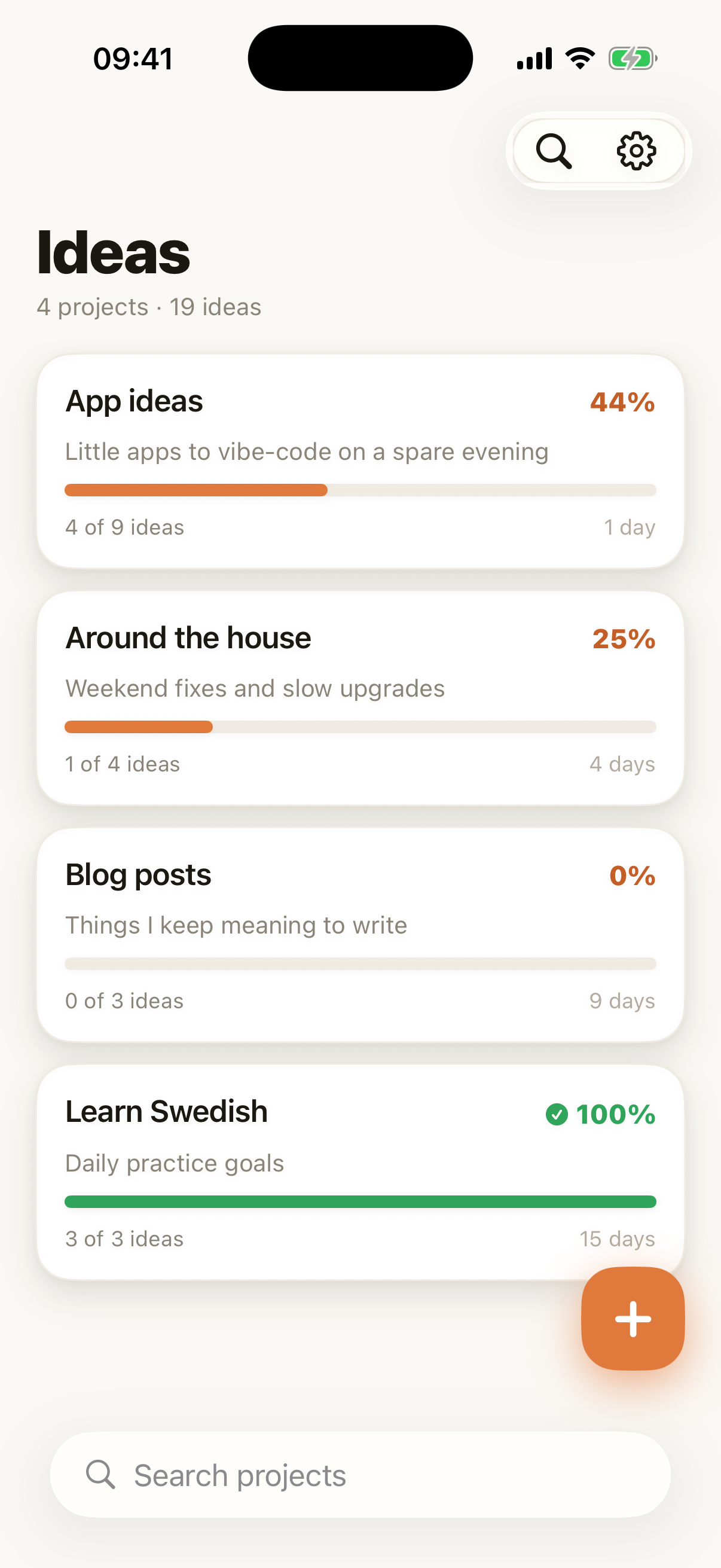
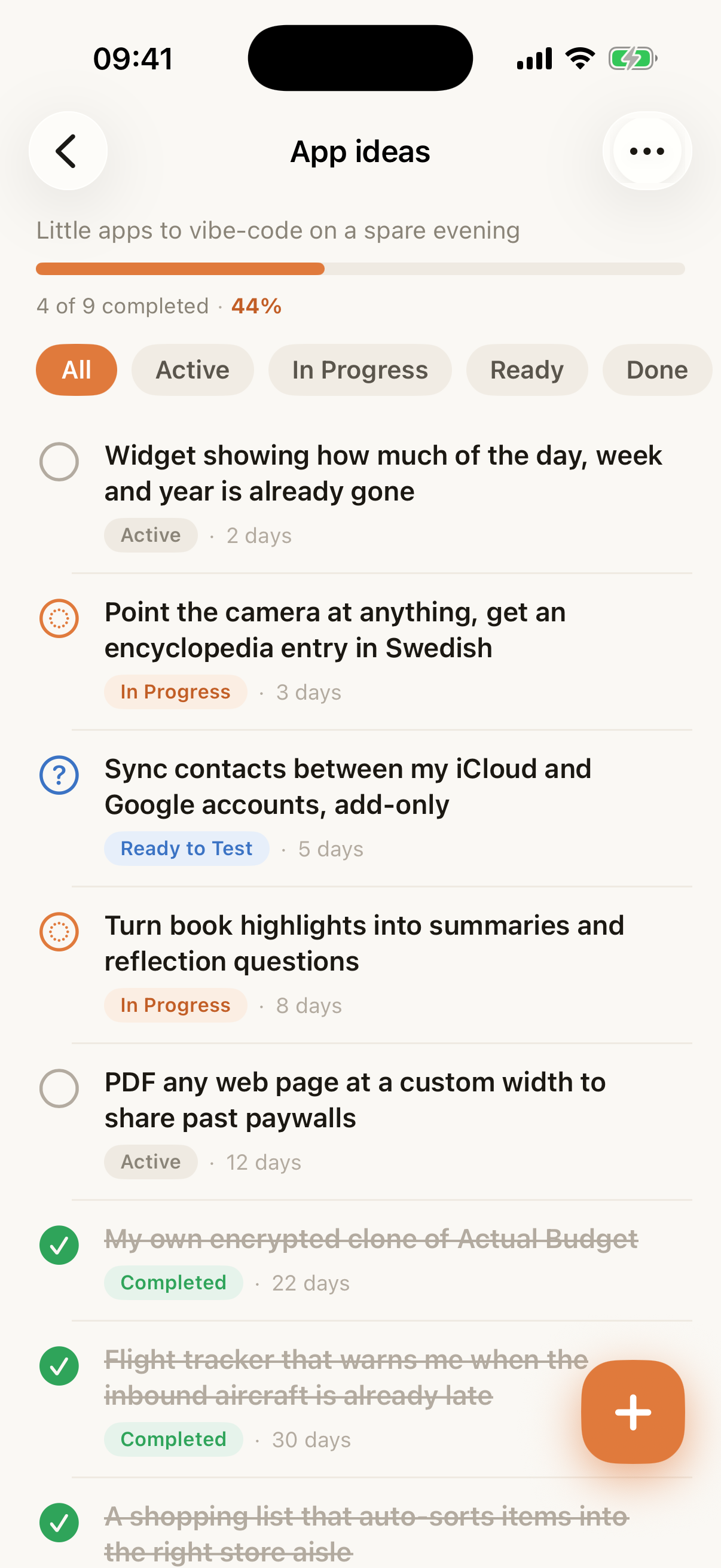
IdeaLog is where I dump ideas the second they hit me, before they evaporate. One tap captures a thought and I sort it out later — the point is that capture is instant, never a chore. Everything lives in projects, each with a progress bar so I can see at a glance how far along I am: “App ideas”, “Around the house”, “Blog posts”, “Learn Swedish”. Every idea moves through a tiny pipeline — active, in progress, ready to test, done — and when a one-liner needs fleshing out I can ask Claude to expand it right there. It syncs over CloudKit and has a home-screen widget for capturing without even opening the app. I recently gave it the warm, paper-and-ember redesign you see here, using Claude Design.
 Ideomat
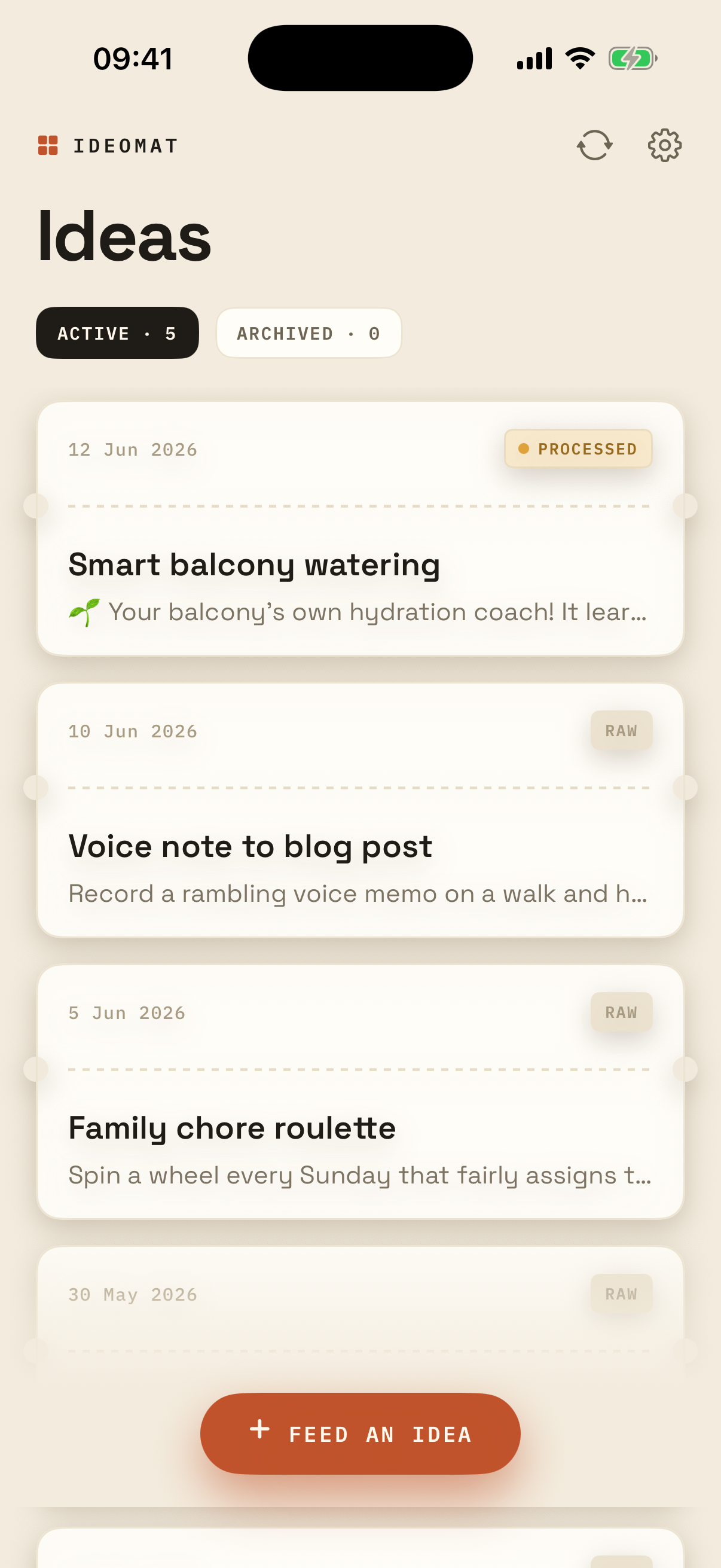
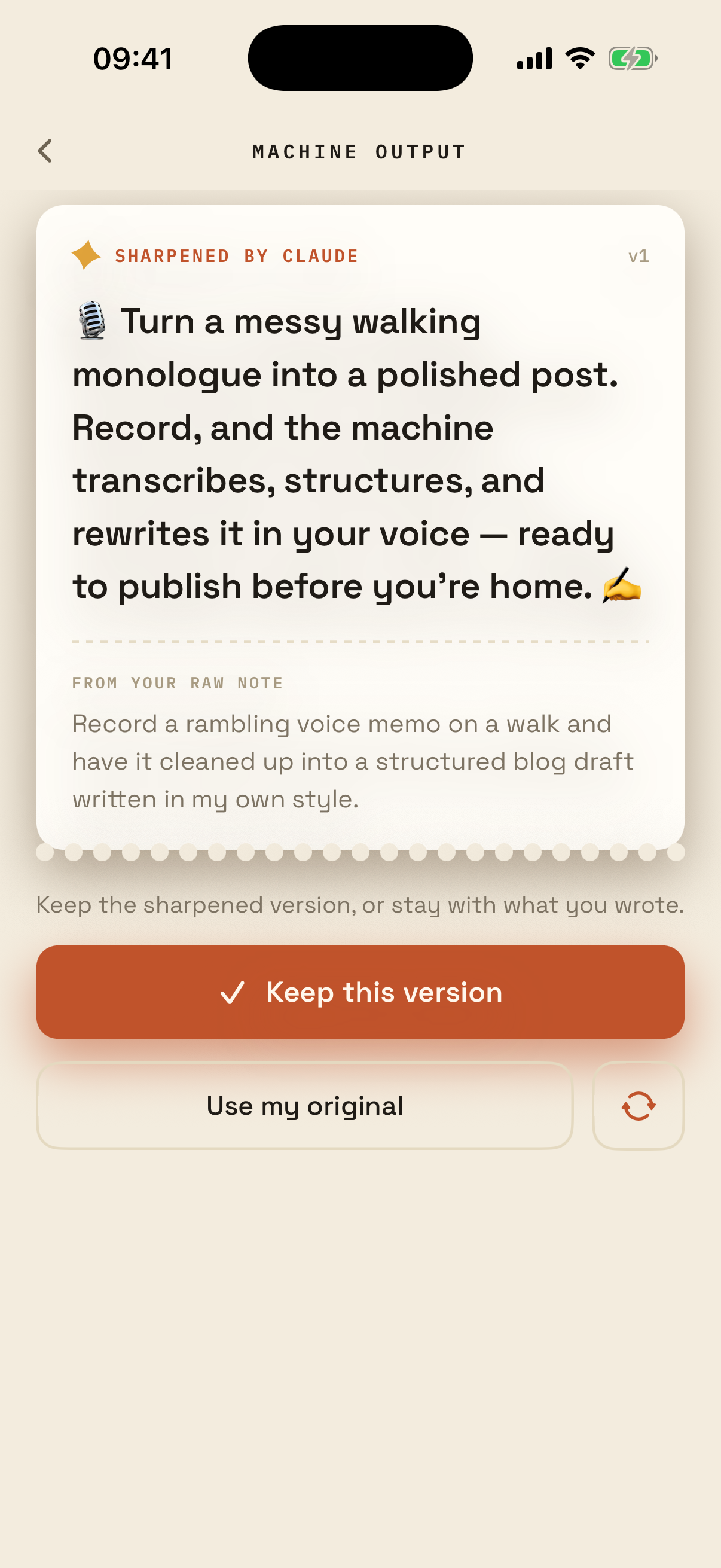
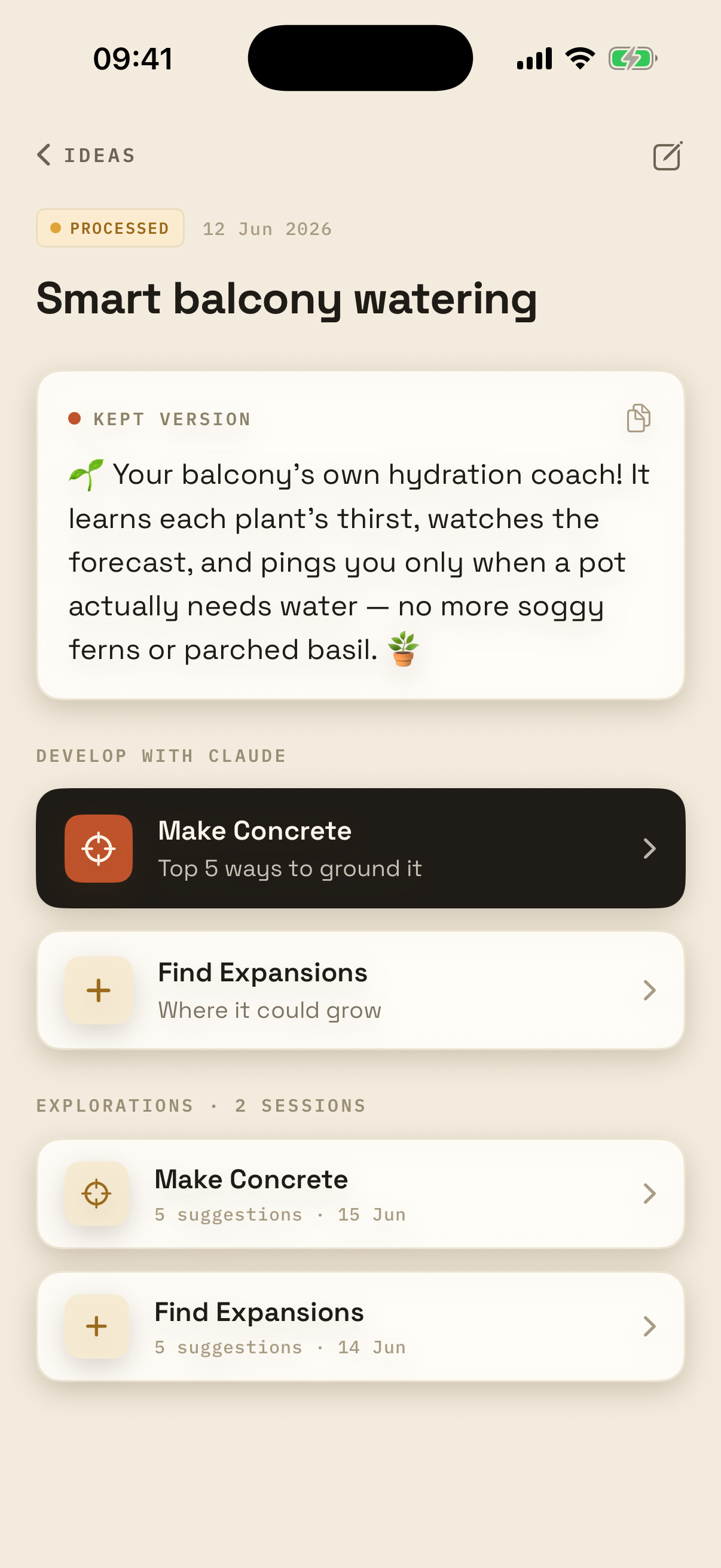
Ideomat is the other end of the same problem: once I’ve got an idea, how do I actually develop it? I feed it a messy, rambling description and the machine prints back a sharpened version — more concise, a bit more exciting, with a cleaner title — and I either keep that or stick with my original. From there I can develop it further with Claude: make it concrete (the five things that matter most) or find expansions (ways it could grow), each one a little chat whose past sessions stay attached to the idea. It’s basically a thinking partner for half-baked ideas.
 BookMind
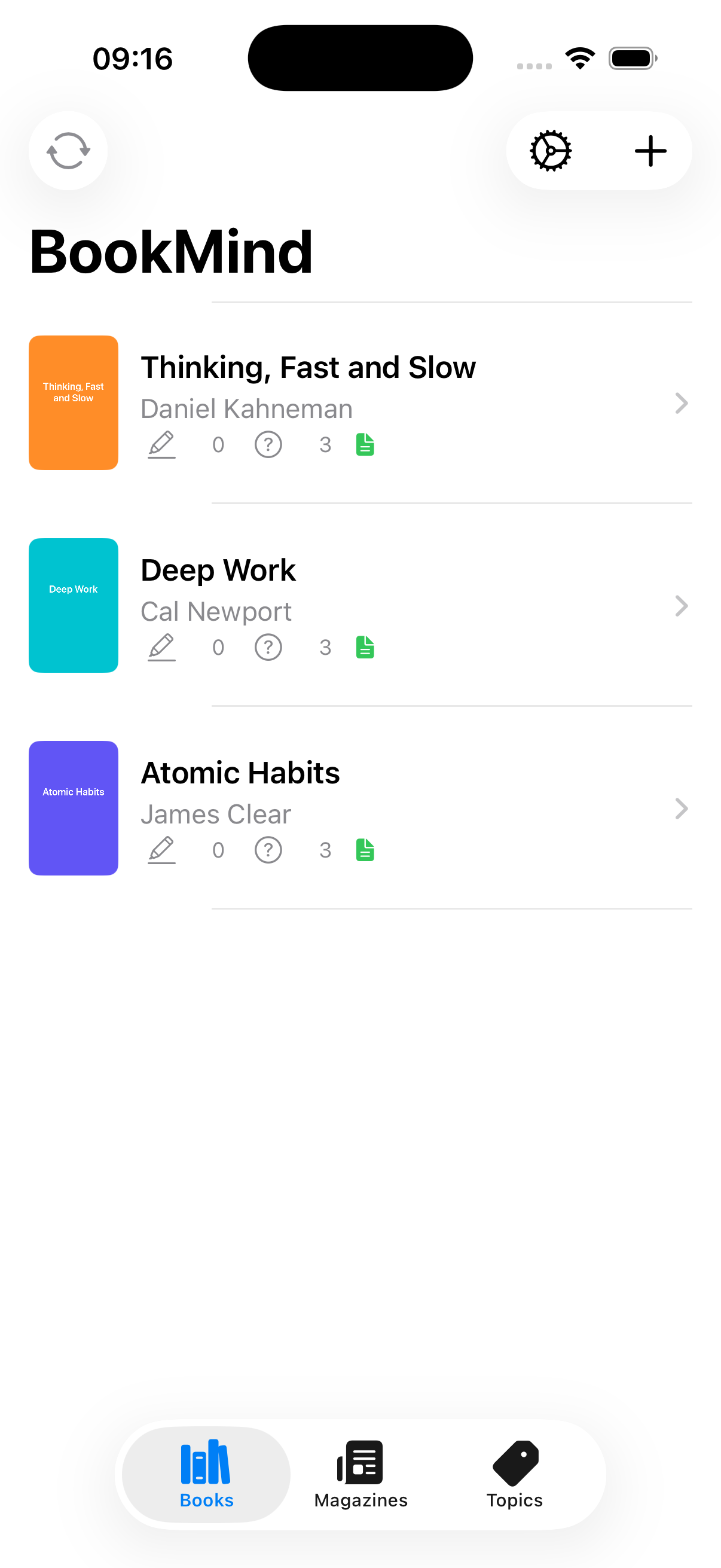
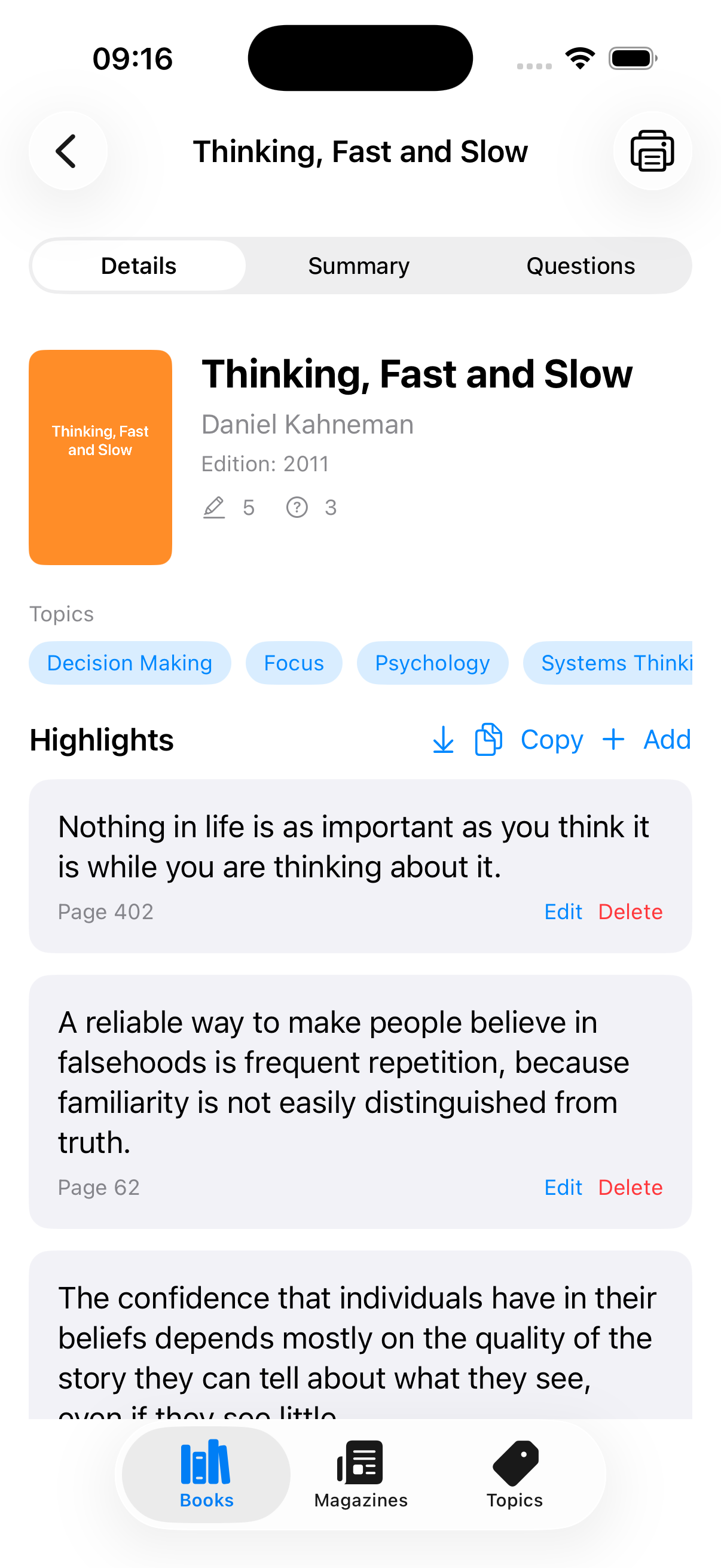
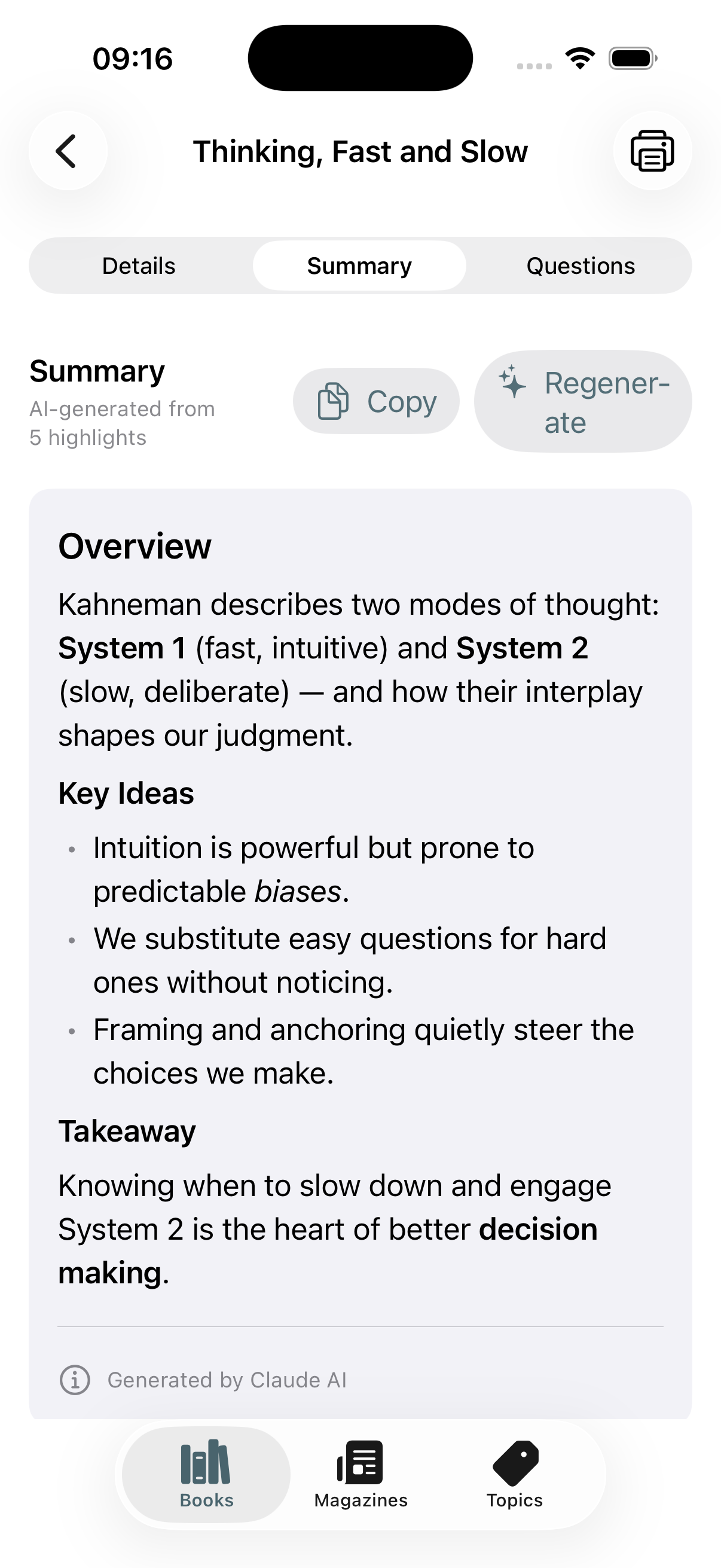
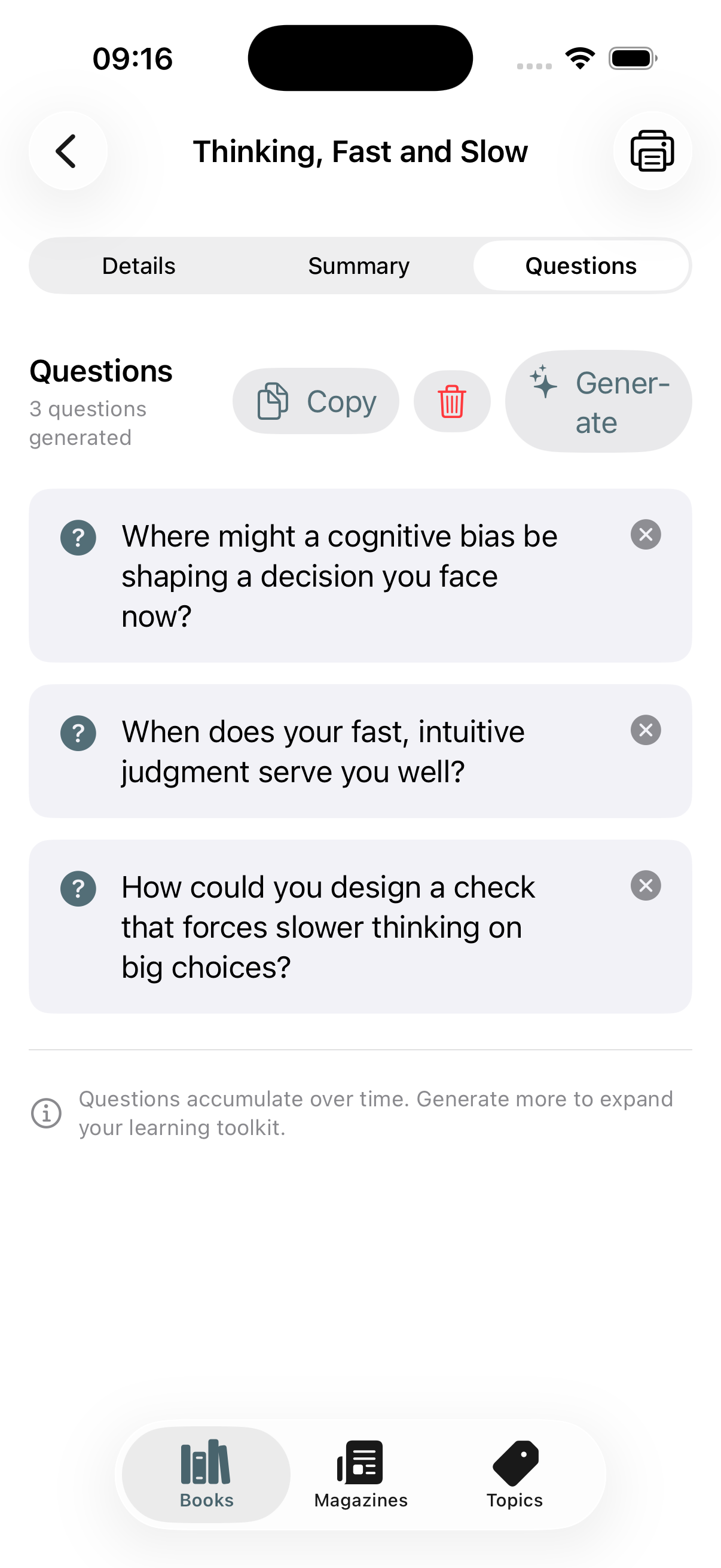
BookMind turns my highlighted book and audiobook passages into summaries, reflection questions, and a cross-library topic graph. I highlight physical books my favourite marker and take photos with the app and the highlights are automatically OCRd and added into the app. It can also import highlights from Kobo and ReadEra app, my go-to ebook alternatives. The summaries can be printed or saved as PDF directly from the app, I usually review these on paper later on. I use reflection questions to marinate even more the content of the books.
 Quicky Shoppy
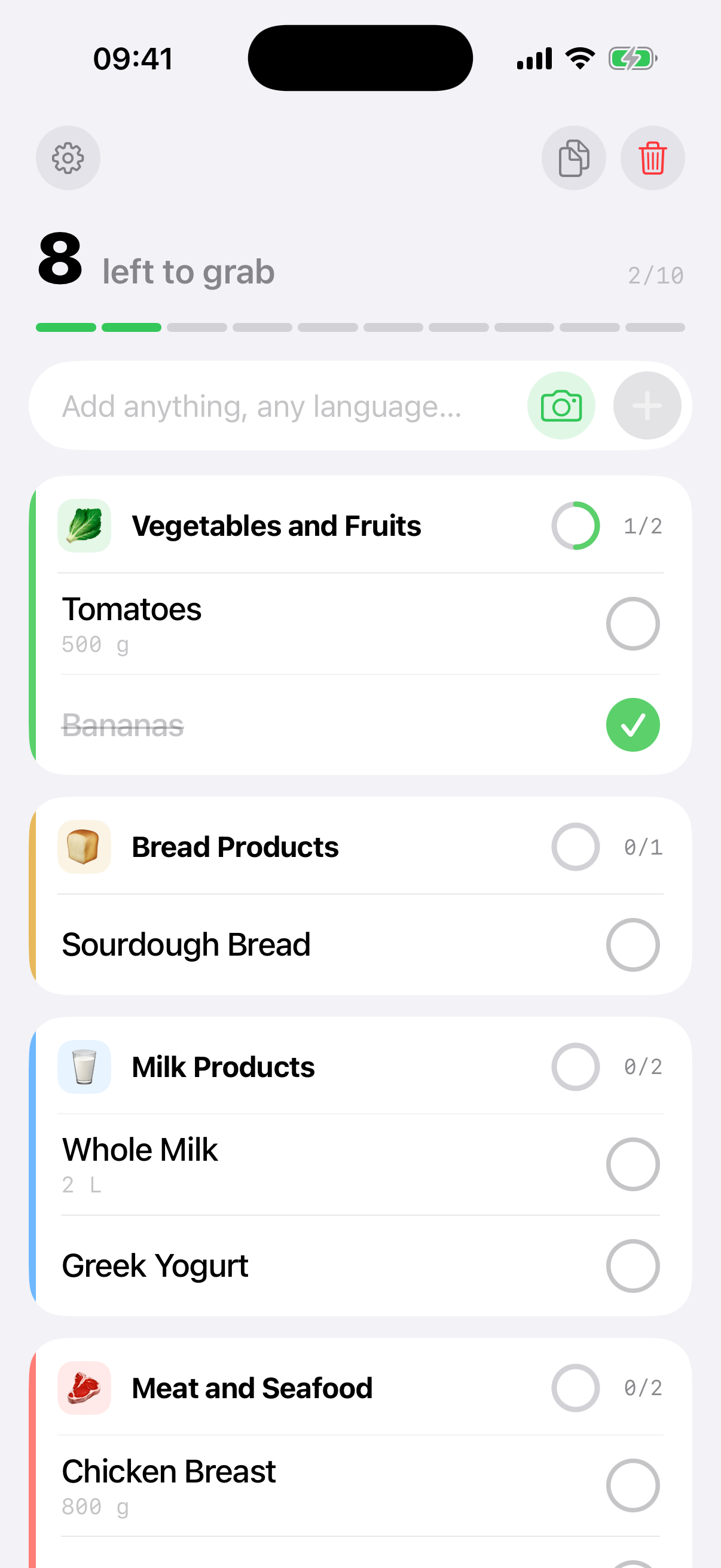
Quicky Shoppy is a shopping list that auto-sorts items into store aisles. My groceries shopping list is just that: one list. Most list apps get lost on advanced features. I need a simple list where I can add and complete items, things to buy. And since things in the shop are grouped by department, it would be nice to have just that. The app accepts input in any language and AI will automatically put new items in the right category.
 Recipe Manager
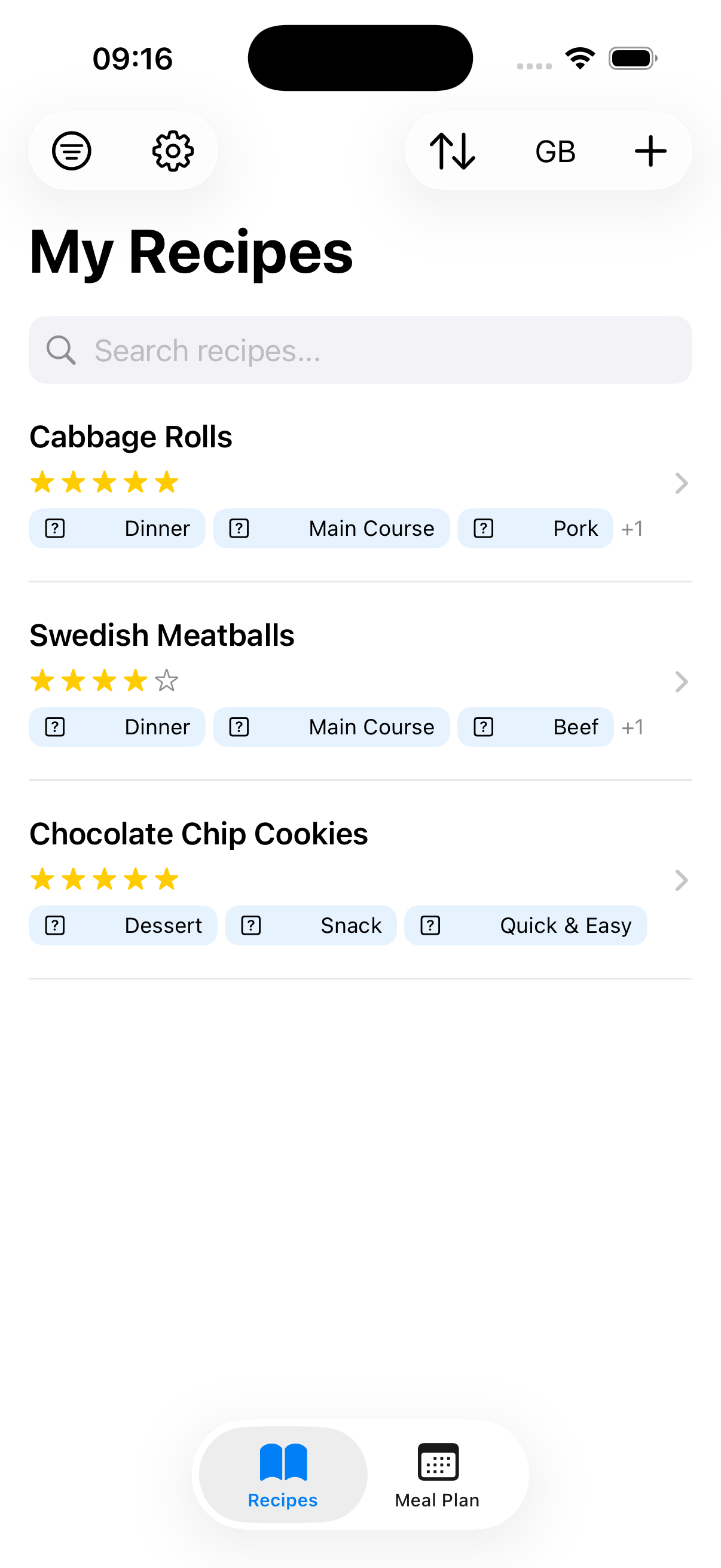
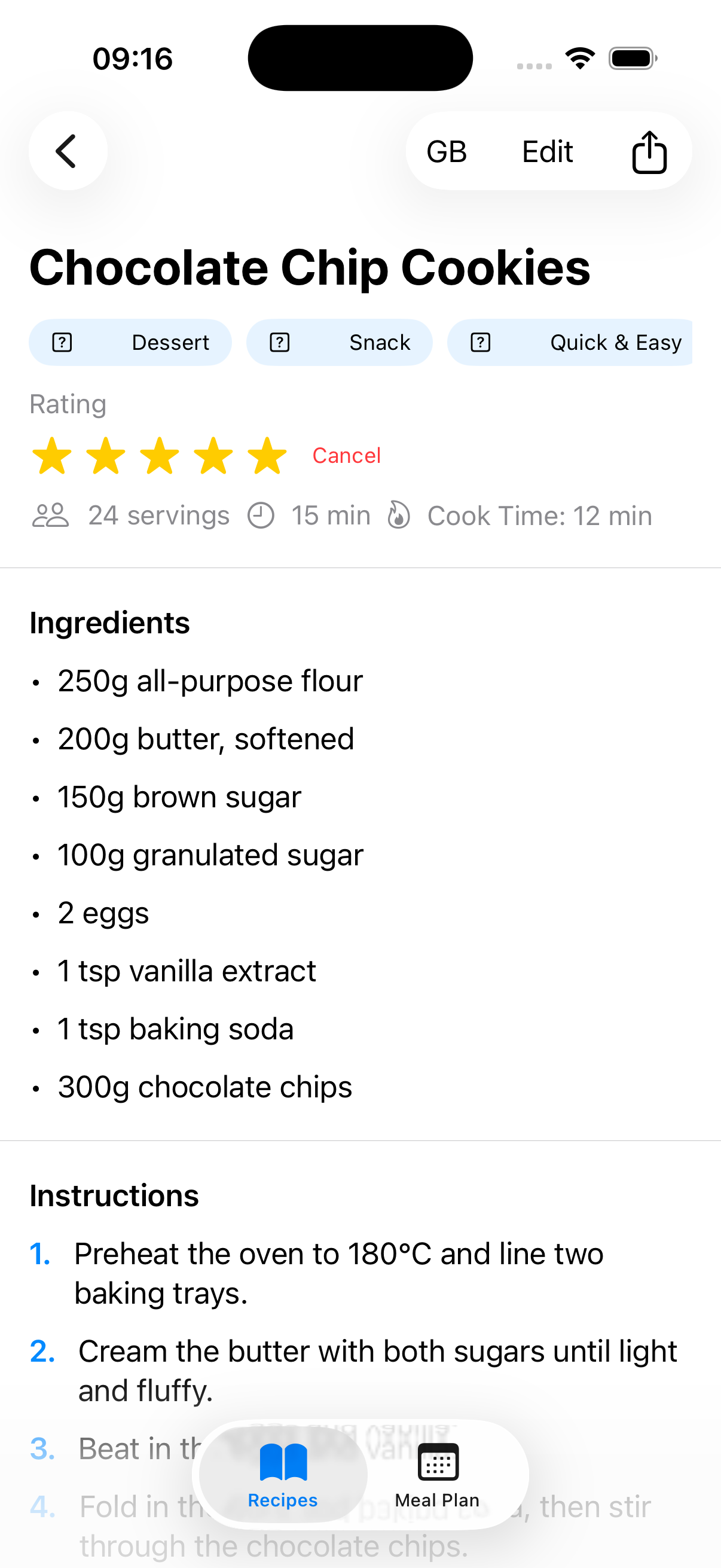
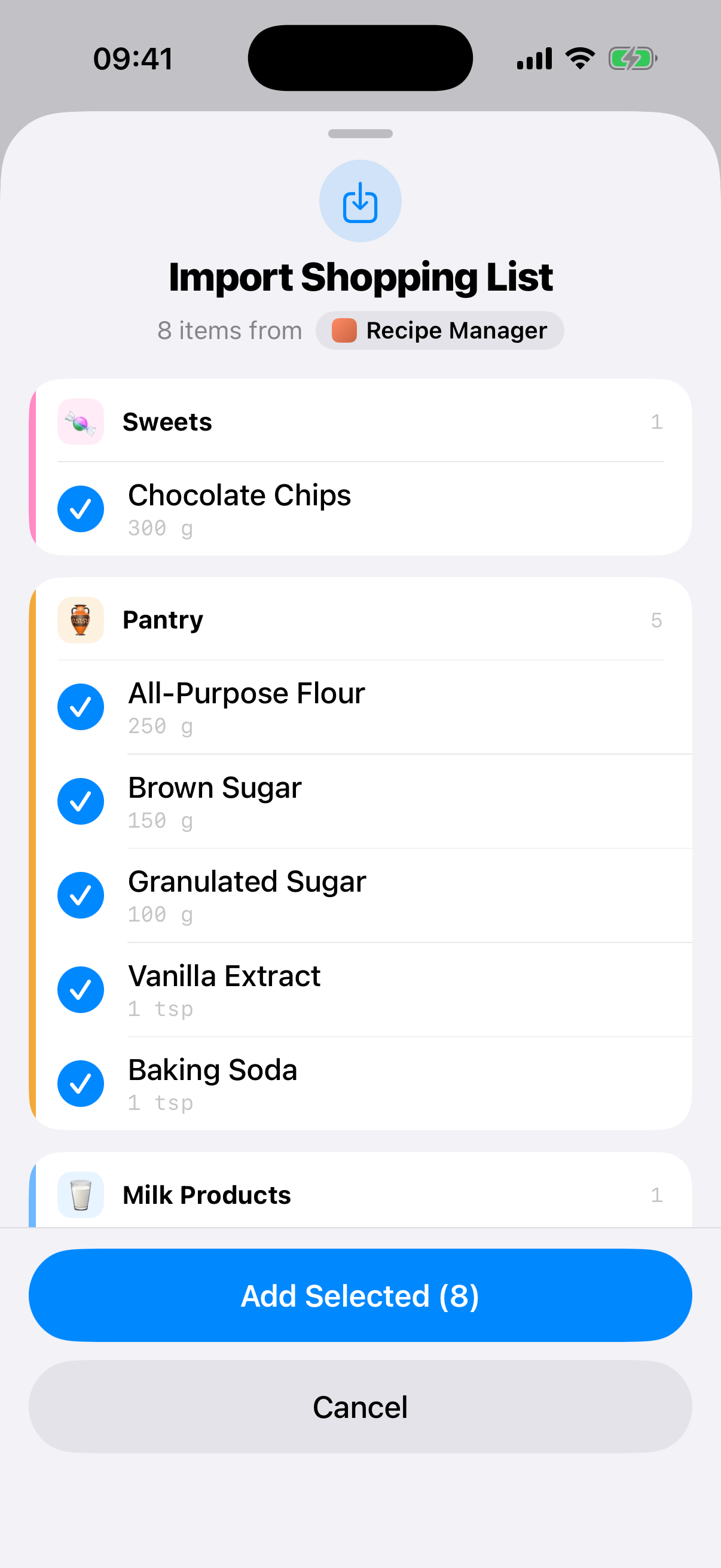
Recipe Manager scans a recipe from a photo, a website, or even a YouTube video’s captions, standardizes it to metric, and translates it into English, Swedish, and Romanian. Easy to share with the family and friends and import recipes from any source. Recipes are also synced with CloudKit, so I can easily have them on any of my devices. I added a weekly meal planner as well, but that didn’t work that well. Most importantly, whenever I want to cook a recipe, I can share the ingredients to Quicky Shoppy and they will be imported in my list!
 FeedMe
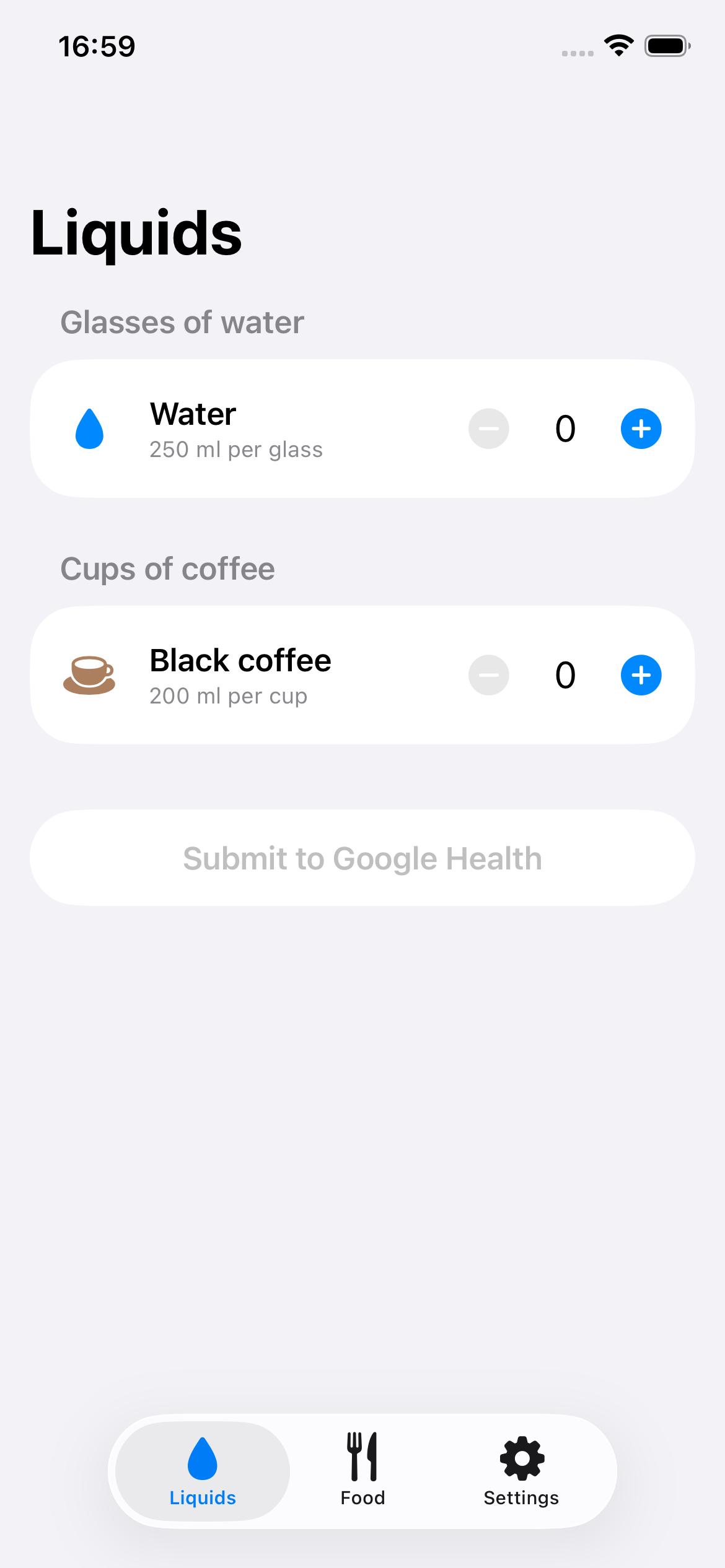
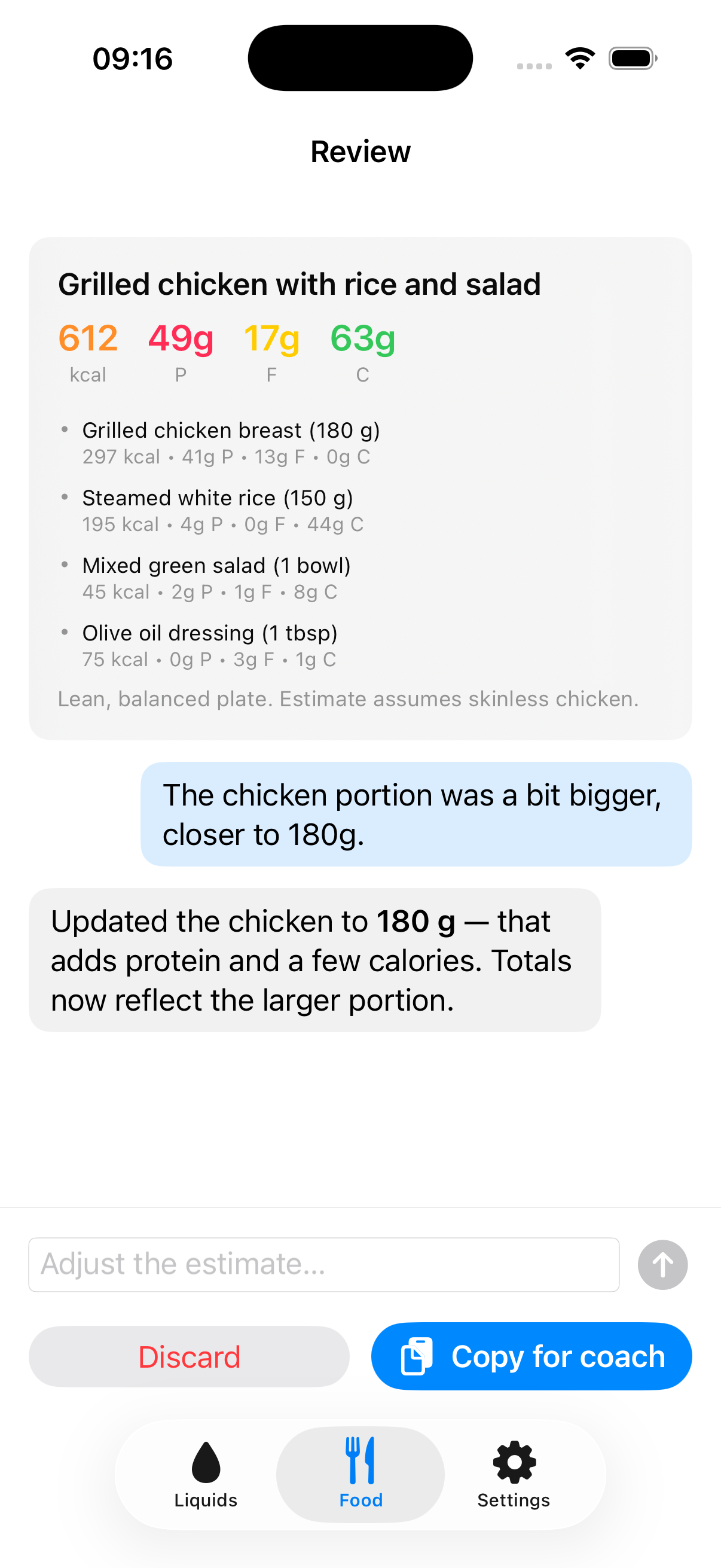
FeedMe estimates a meal’s calories and macros from a photo — and lets me correct it in a chat before committing. Liquids get pushed automatically into my Google Health account, while meals are ready to paste into the Google Health chatbot. When the Google Health API for food is ready, I will do a direct integration as well, but in the meantime, it is quite easy to get those estimates into Google Health.
 Like a 5-year-old
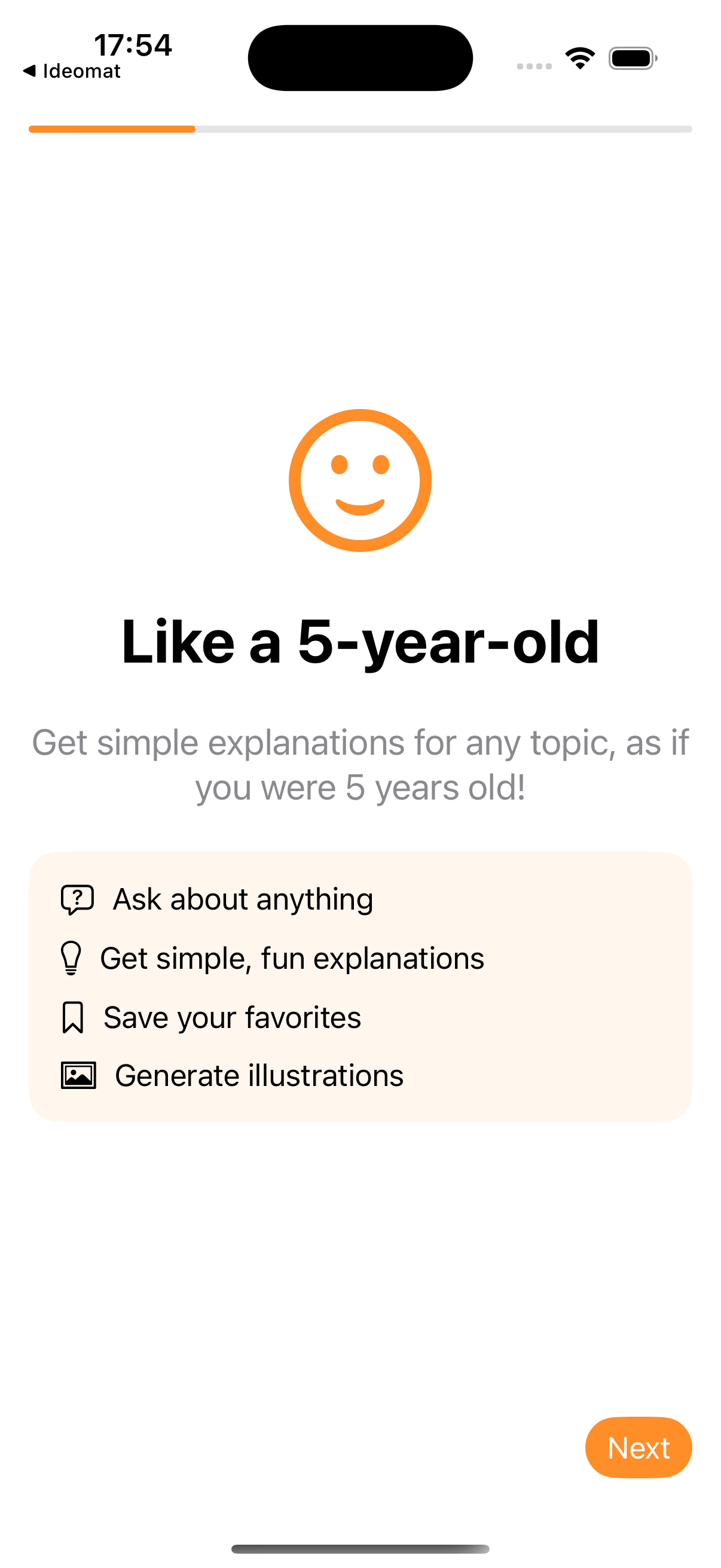
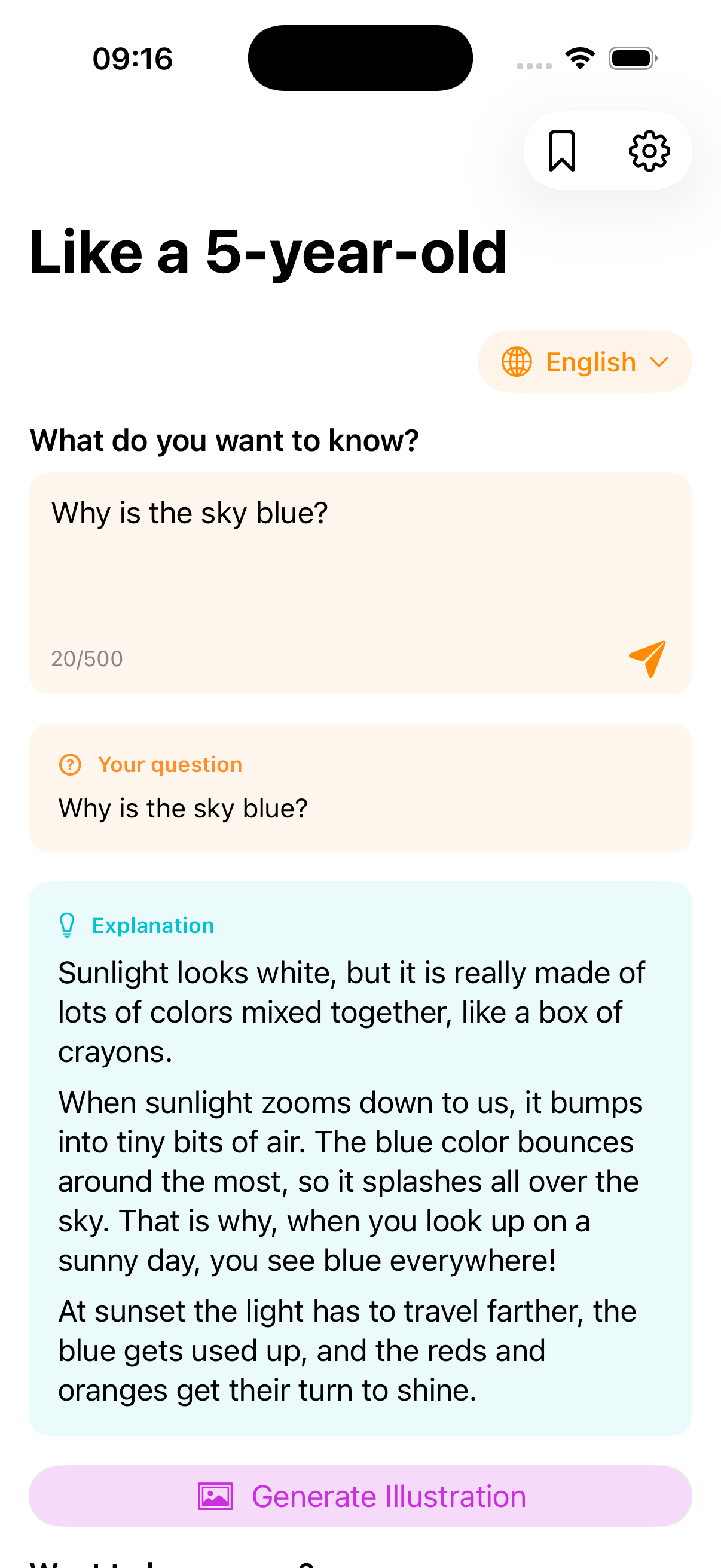
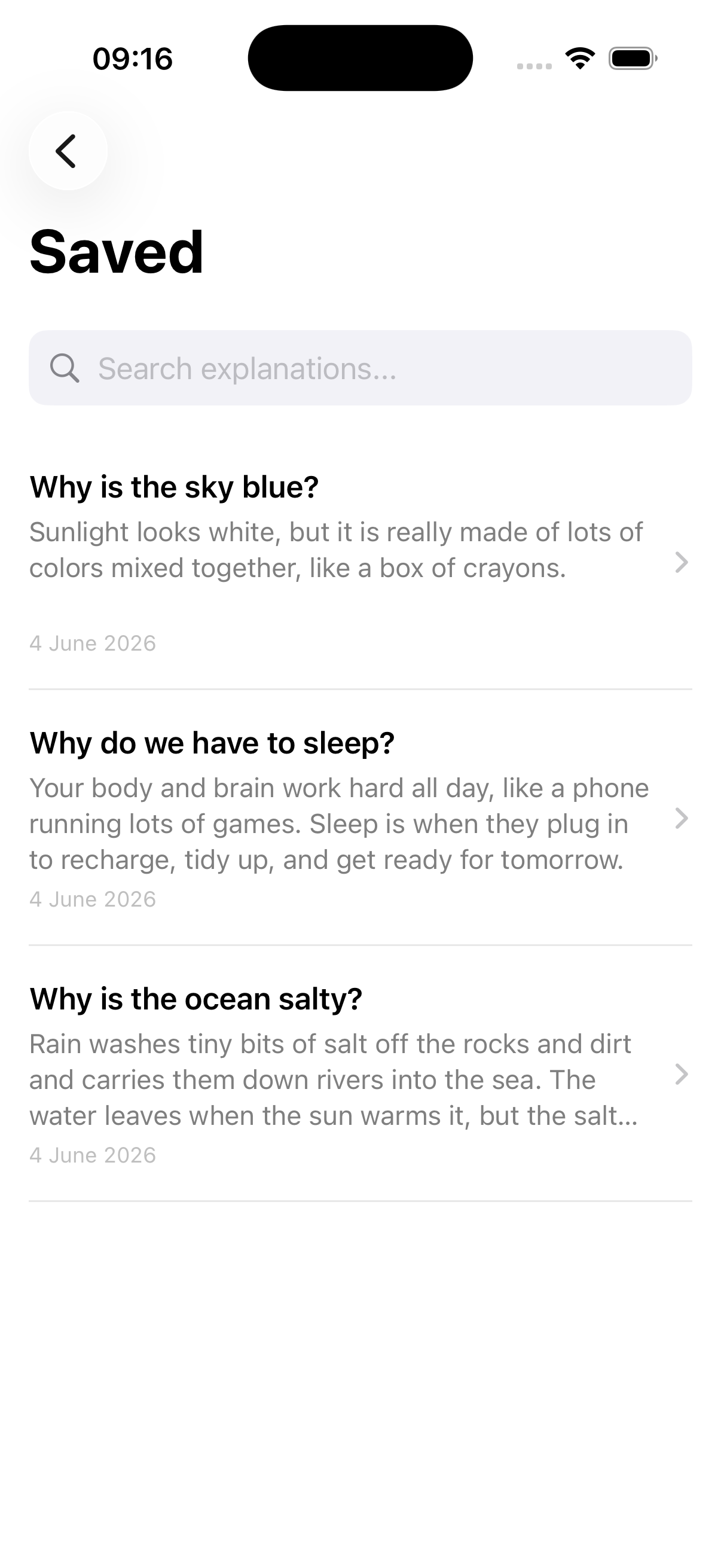
Like a 5-year-old explains anything in warm, simple words. It even generates an illustration of the explanation using Nano Banana 2, if so desired. Really useful when my daughter asks me questions about how certain things work or why do they work in a certain way.
 Explain it!
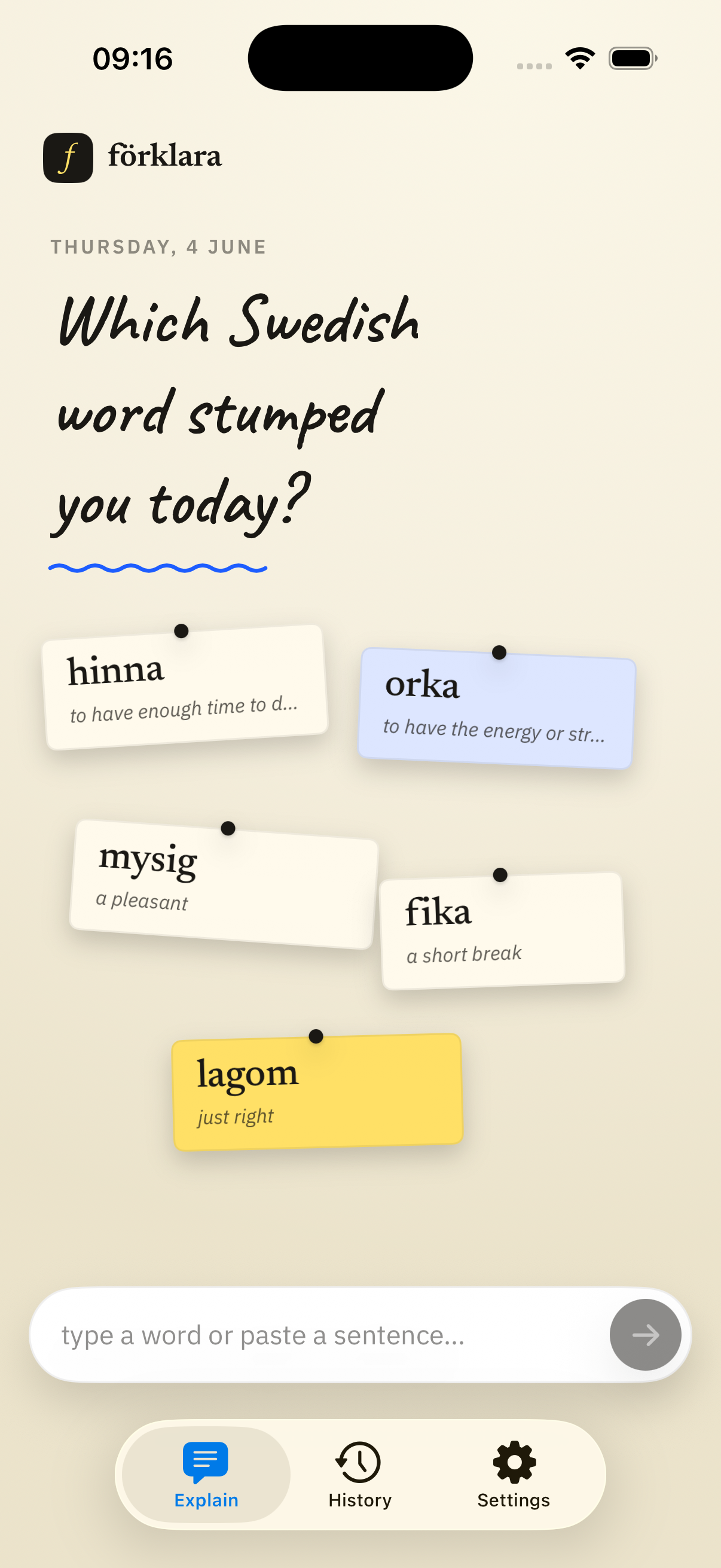
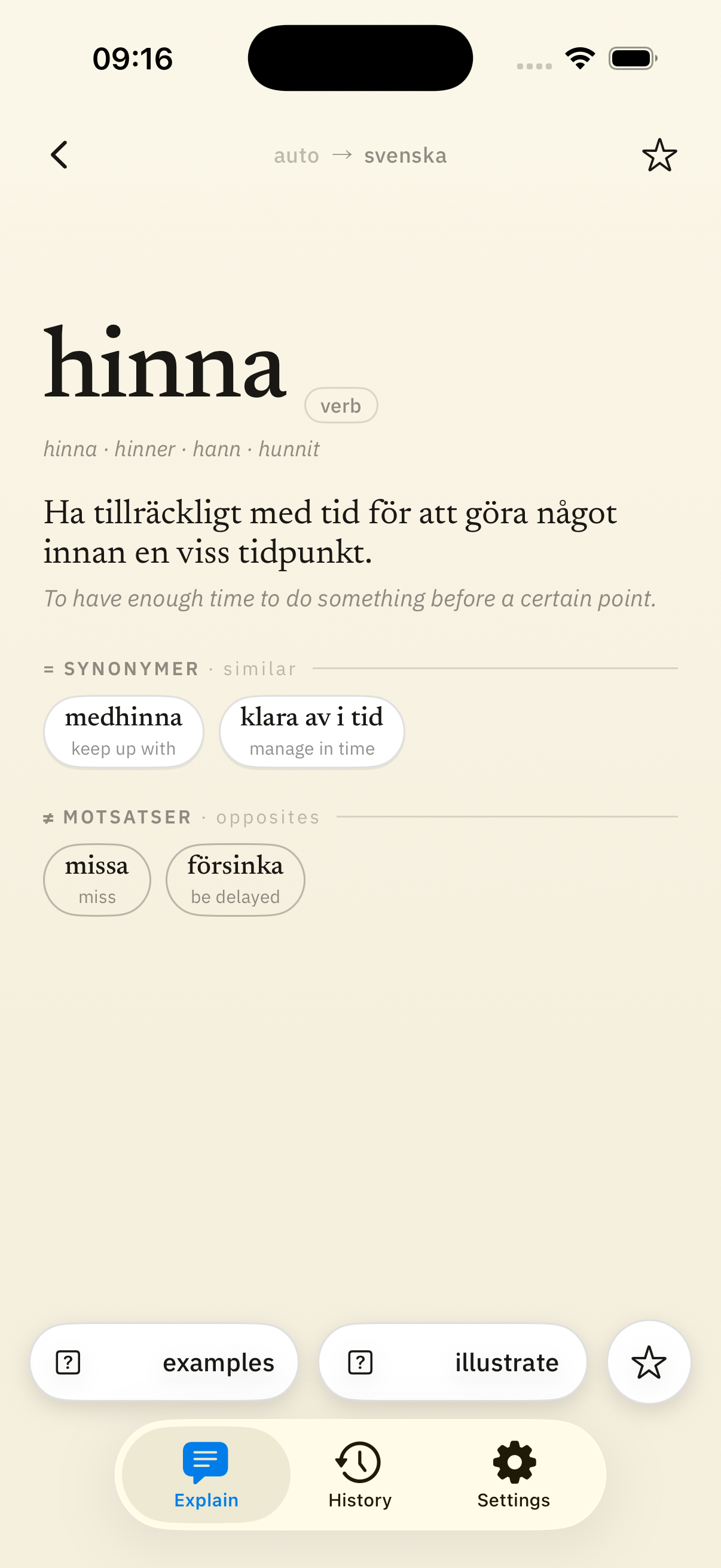
Explain it! is a Swedish vocabulary tutor with a hand-built paper aesthetic. My personal pal for learning new Swedish words which gives me explanations, example sentences and even an illustration. It accepts words or expressions in Swedish or any other language, which get translated into Swedish and then explained. So it is also useful for the situations where I don’t remember a word in Swedish, but I do remember it in some other language.
 Vad är det?
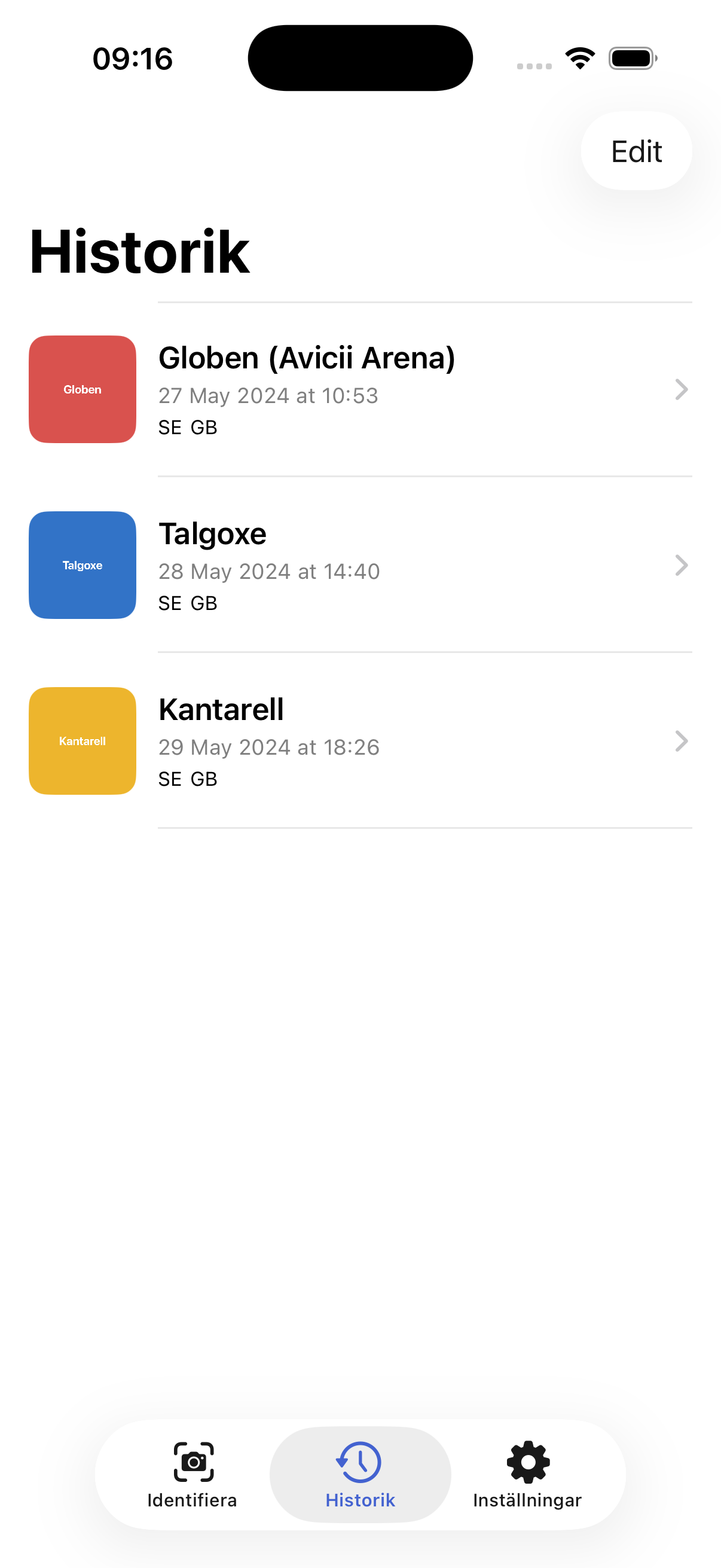
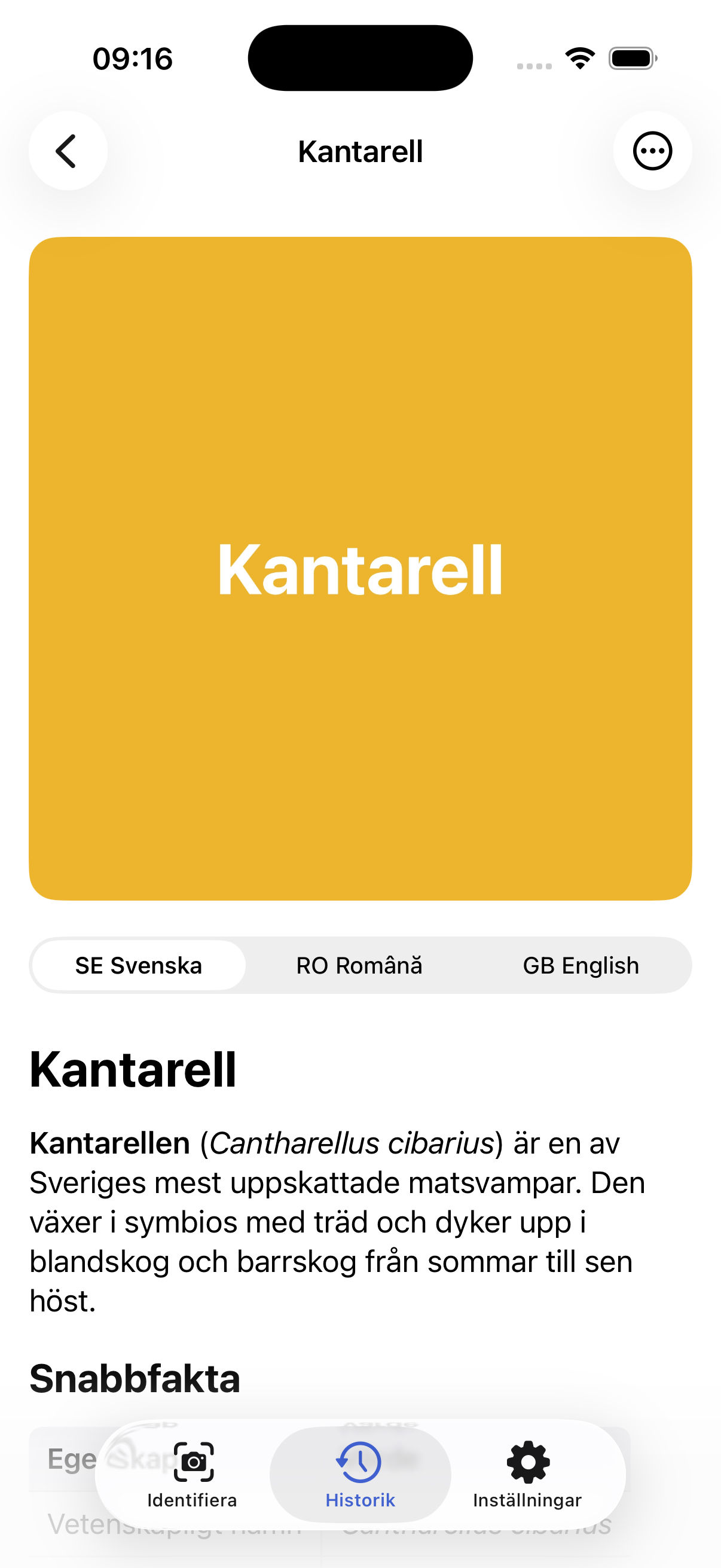
Vad är det? (“What is this?”) points the camera at something and returns a verbose encyclopedia entry in 3 languages.
 LinkedIn Voice
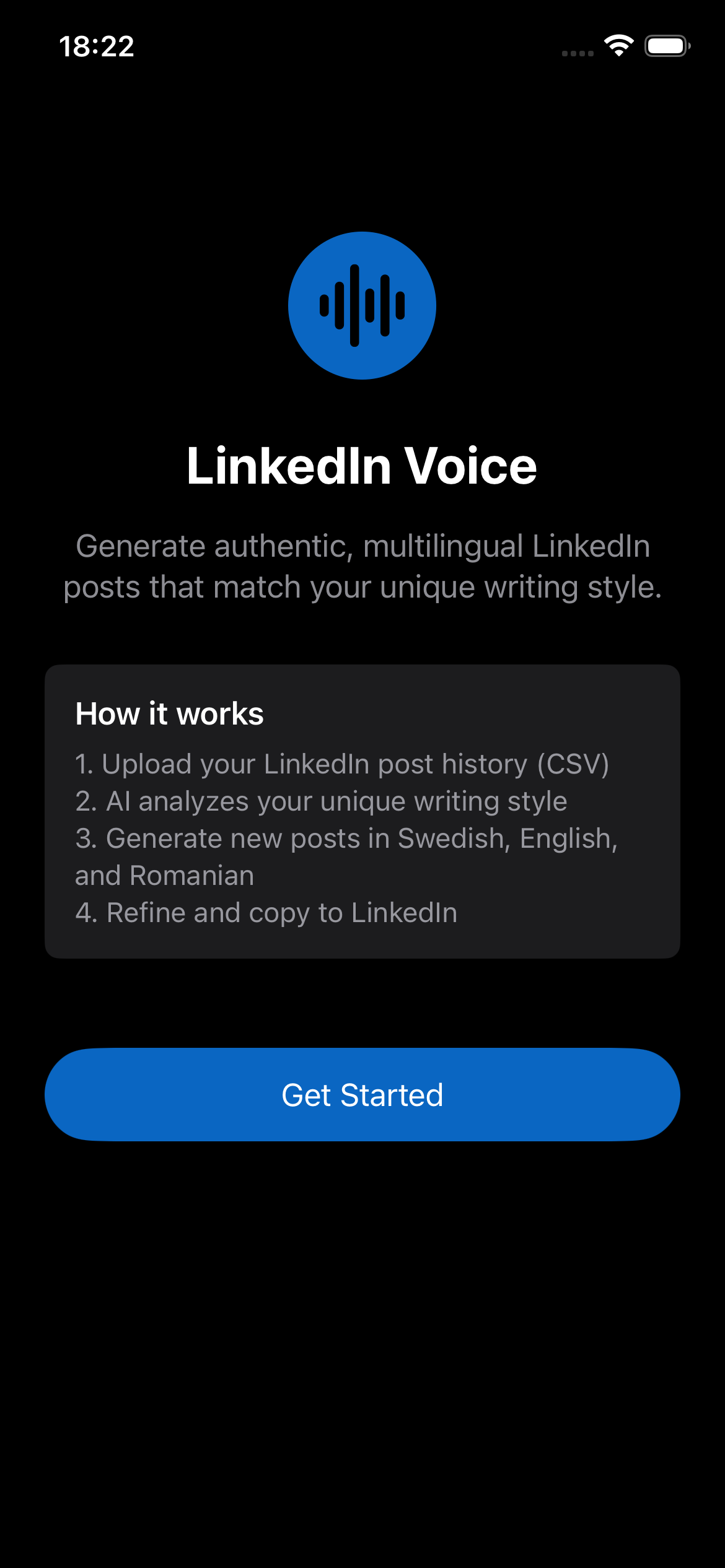
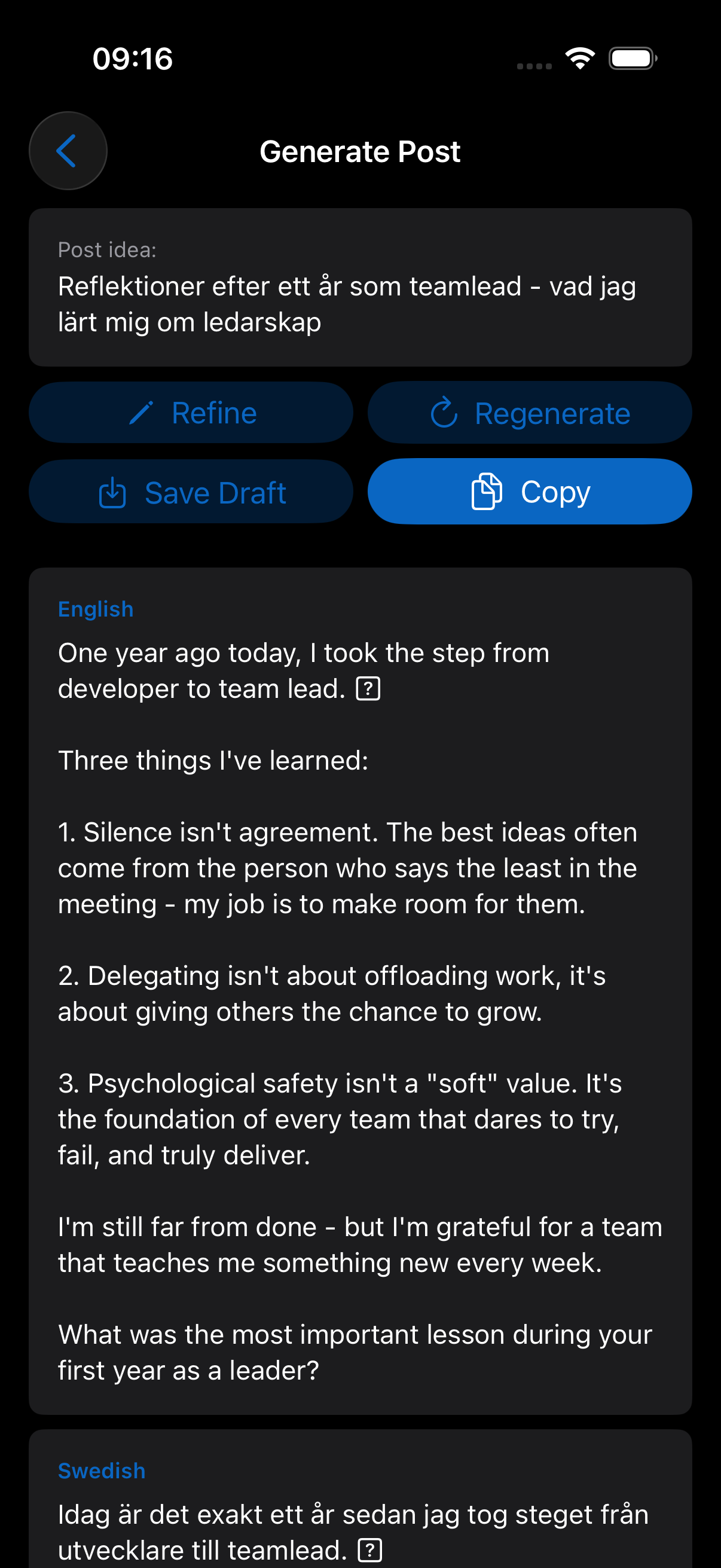
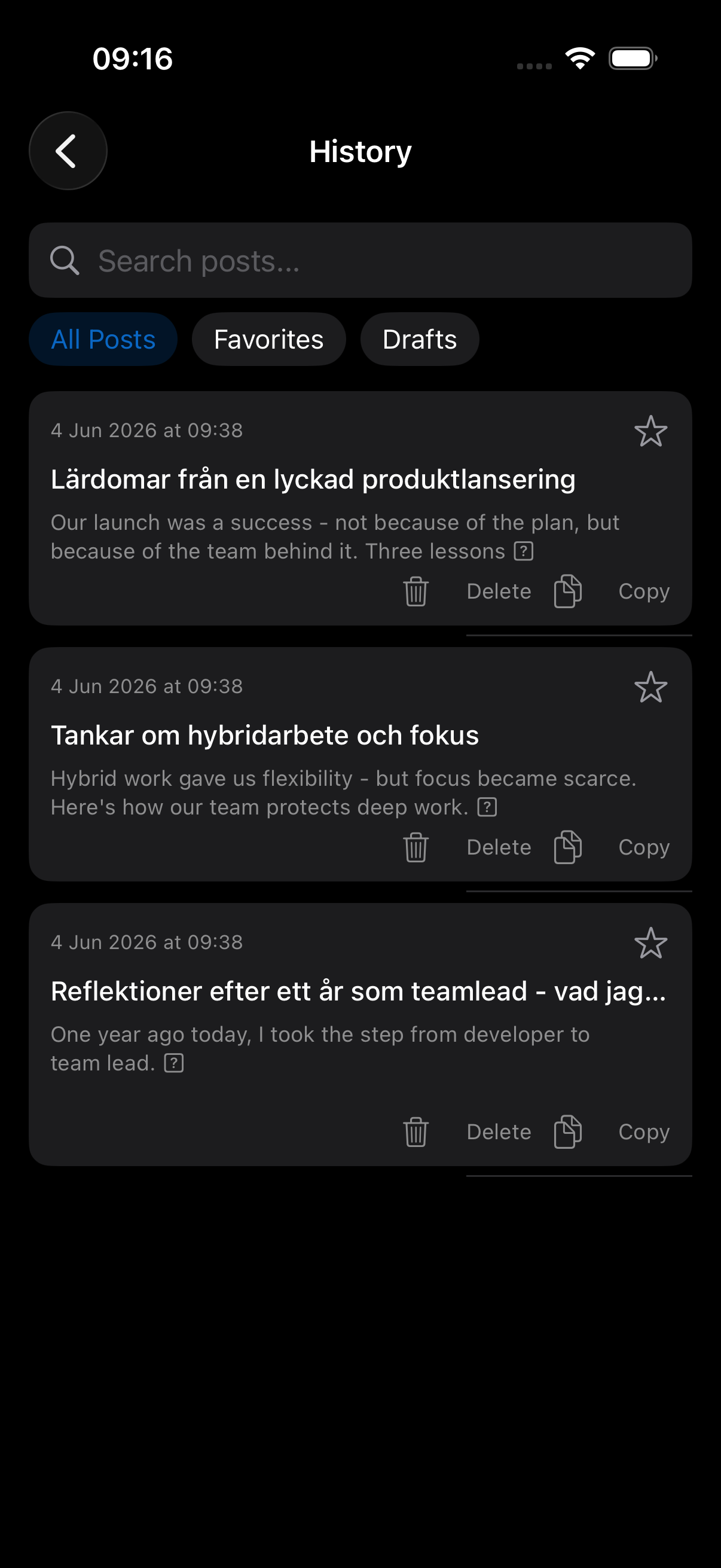
LinkedIn Voice learns my actual writing style from my post-history export and drafts new posts in my own voice. I publish on LinkedIn in Swedish, English, and Romanian, so this saves me a lot of time.
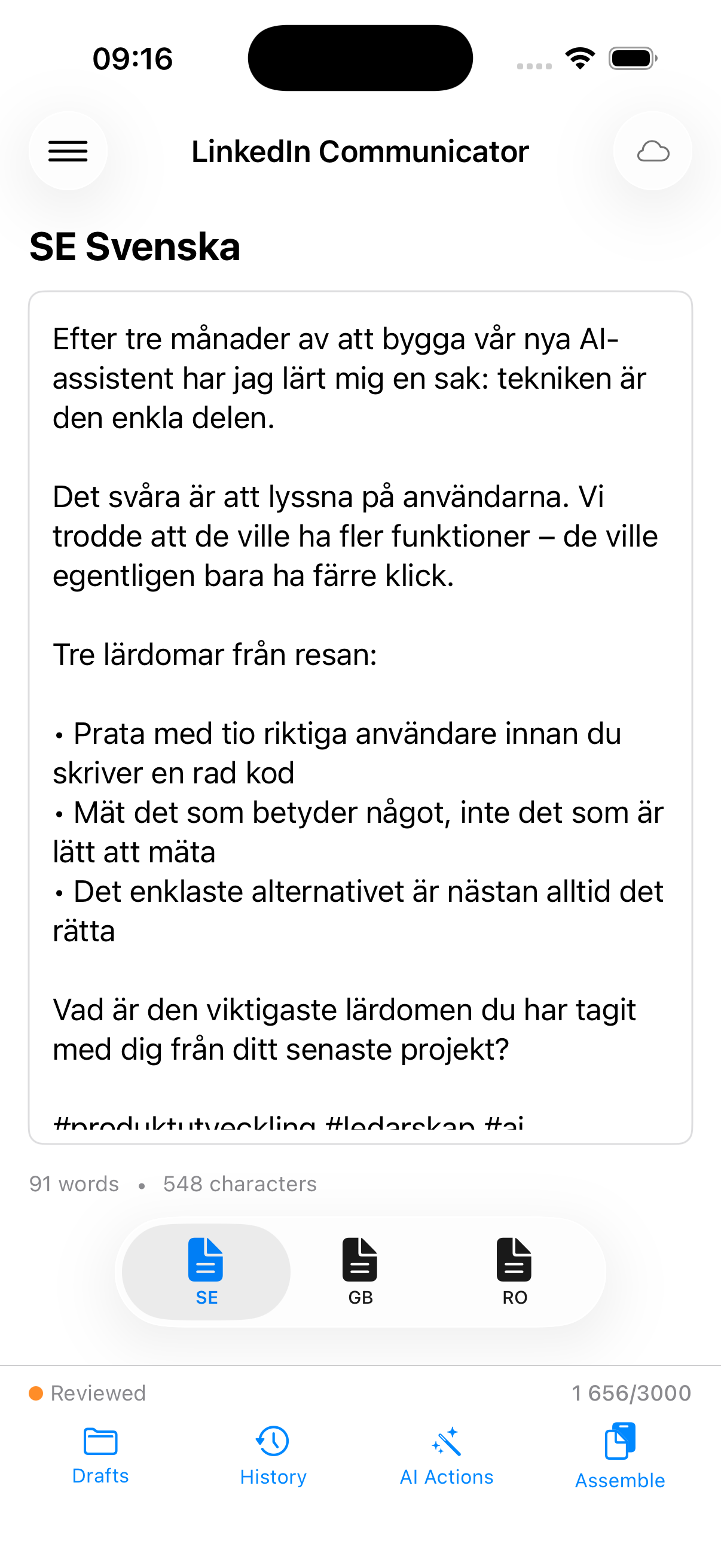
 LinkedIn Communicator
LinkedIn Communicator is a trilingual editor — write in Swedish, proofread, translate, assemble — that started as a macOS app and became the blueprint for the iOS version. Idea here was to practice writing in Swedish as much as possible and post in 3 languages on LinkedIn. I have abandoned this lately and resumed posting in English only, but still an interesting idea to explore.
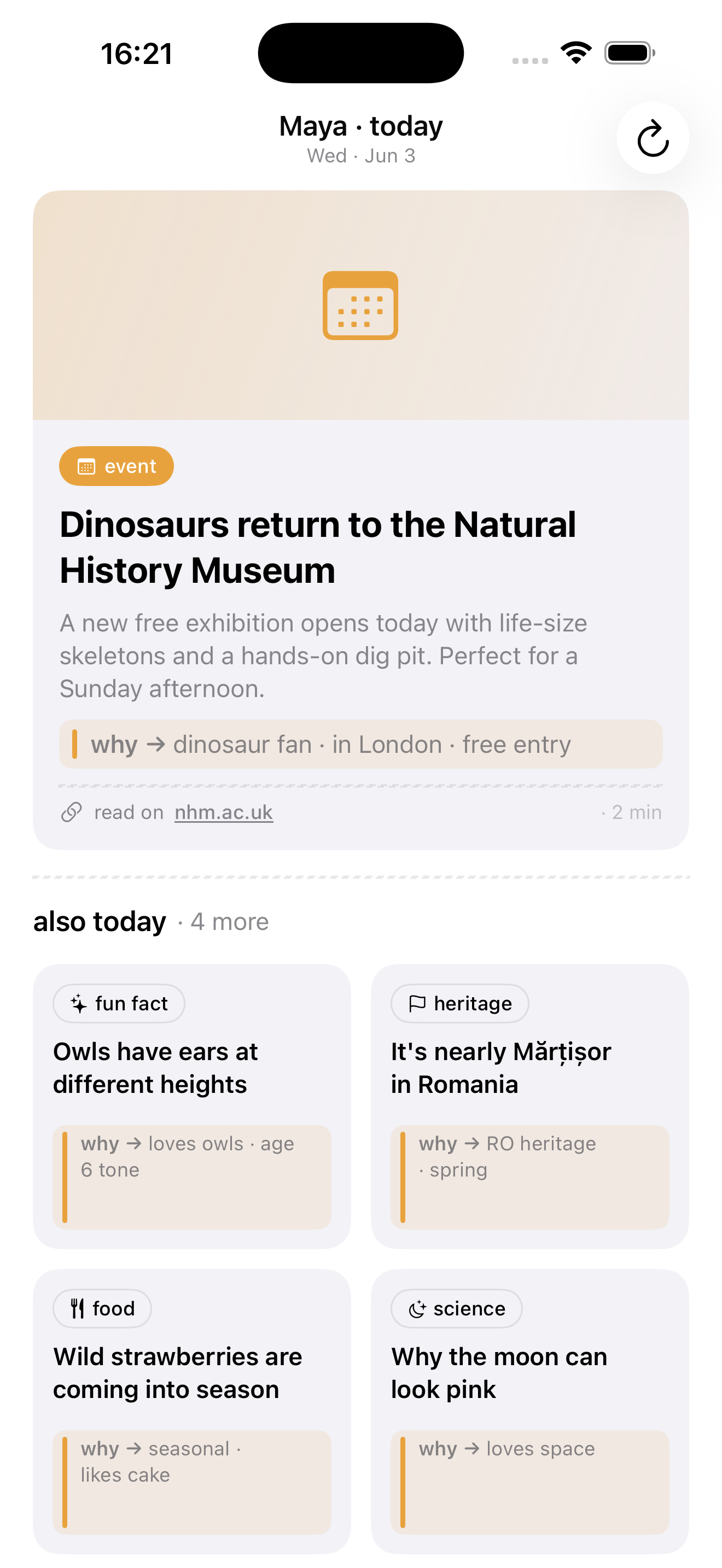
 Conversation Starter
Conversation Starter gives me something good to talk about with one specific person — a six-year-old who loves owls, a Romanian-speaking grandmother — with on-device dedup so it never repeats a fact, and client-side checks so it never invents an event.
 PA-2
PA-2
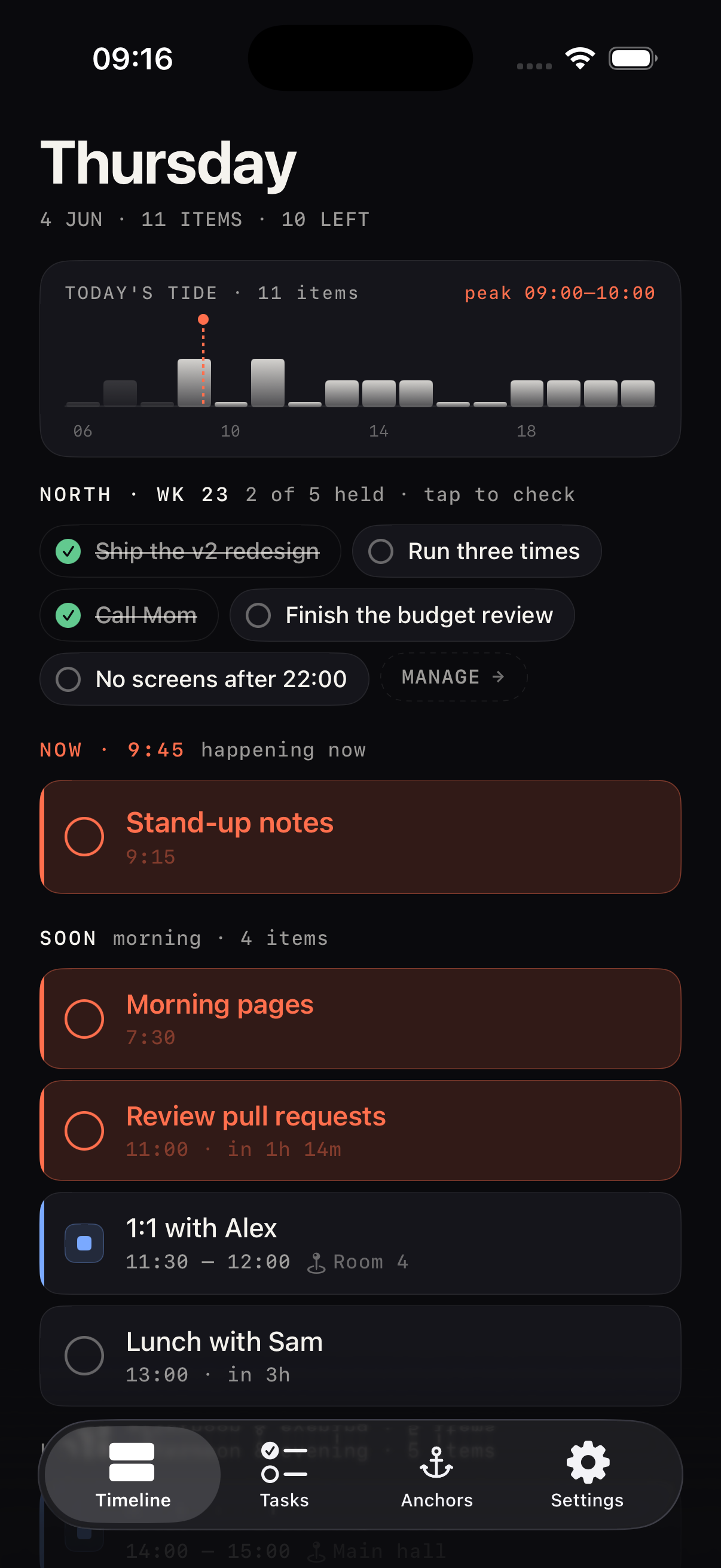
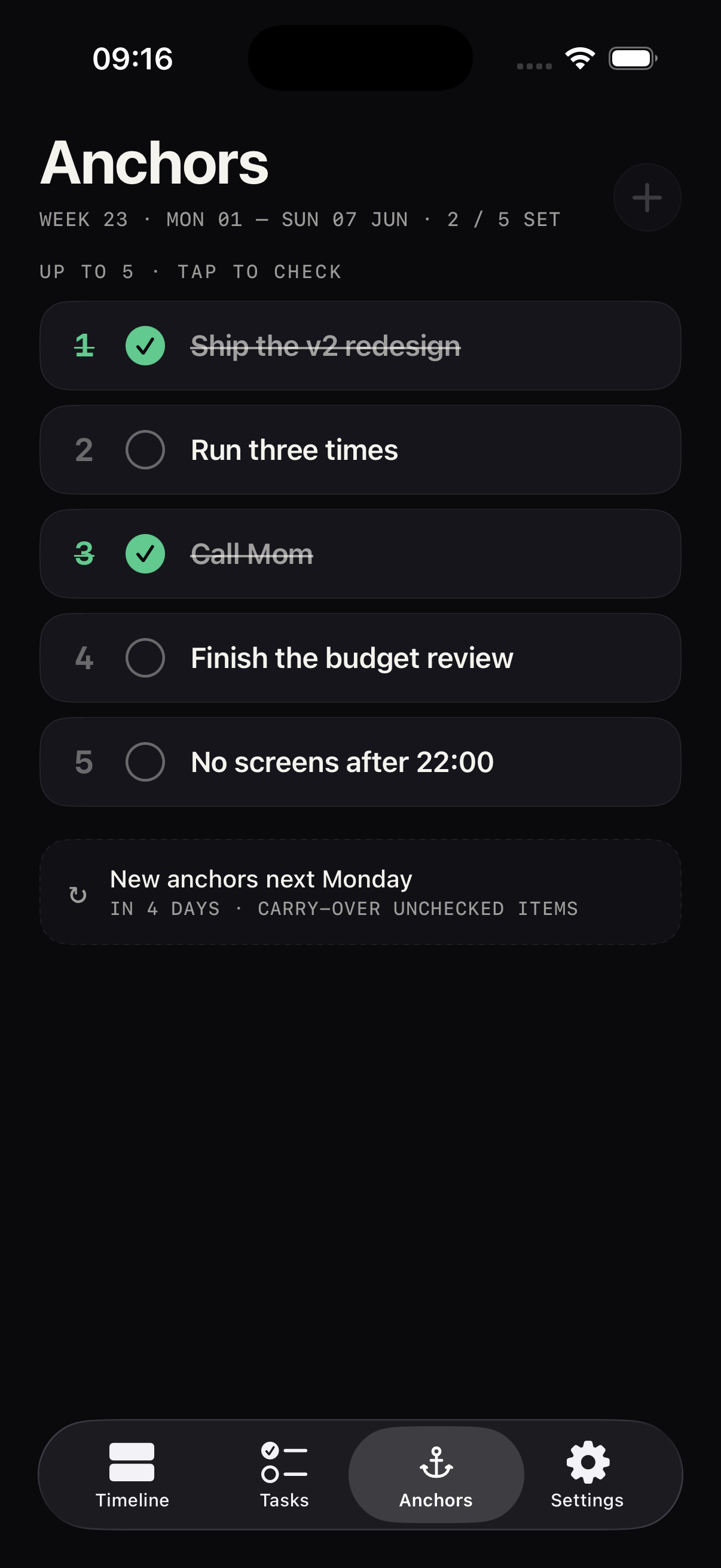
PA-2 fuses my tasks, calendar, and five weekly “anchors” onto one NOW/SOON/LATER timeline with a tide-wave density chart. Anchors auto-carry-over every Monday. This is my personal assistant that brings together calendar events and where I add all my tasks with due-dates. It handles reminders, it shows the anchors on my lock screen as a widget so I keep focus for my week.
 ProgressLife
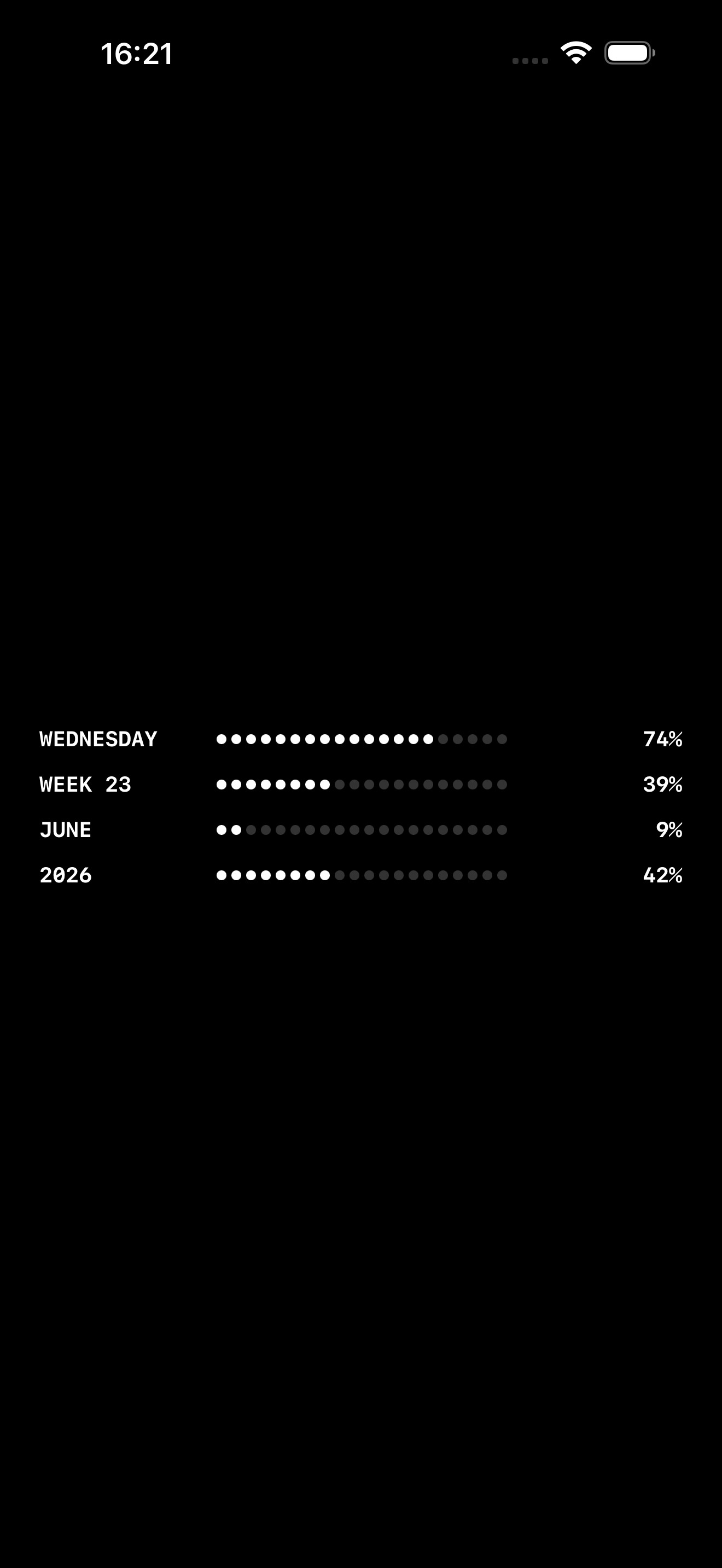
ProgressLife is the tiniest useful app or widget I’ve made — four bars showing how much of the day, week, month, and year is already gone. I actually seen it in a video of MKBHD while reviewing a Nothing phone. I took a screenshot of it and passed the screenshot to Claude and 20 mins later it was running on my phone.
 Flighty Tracky
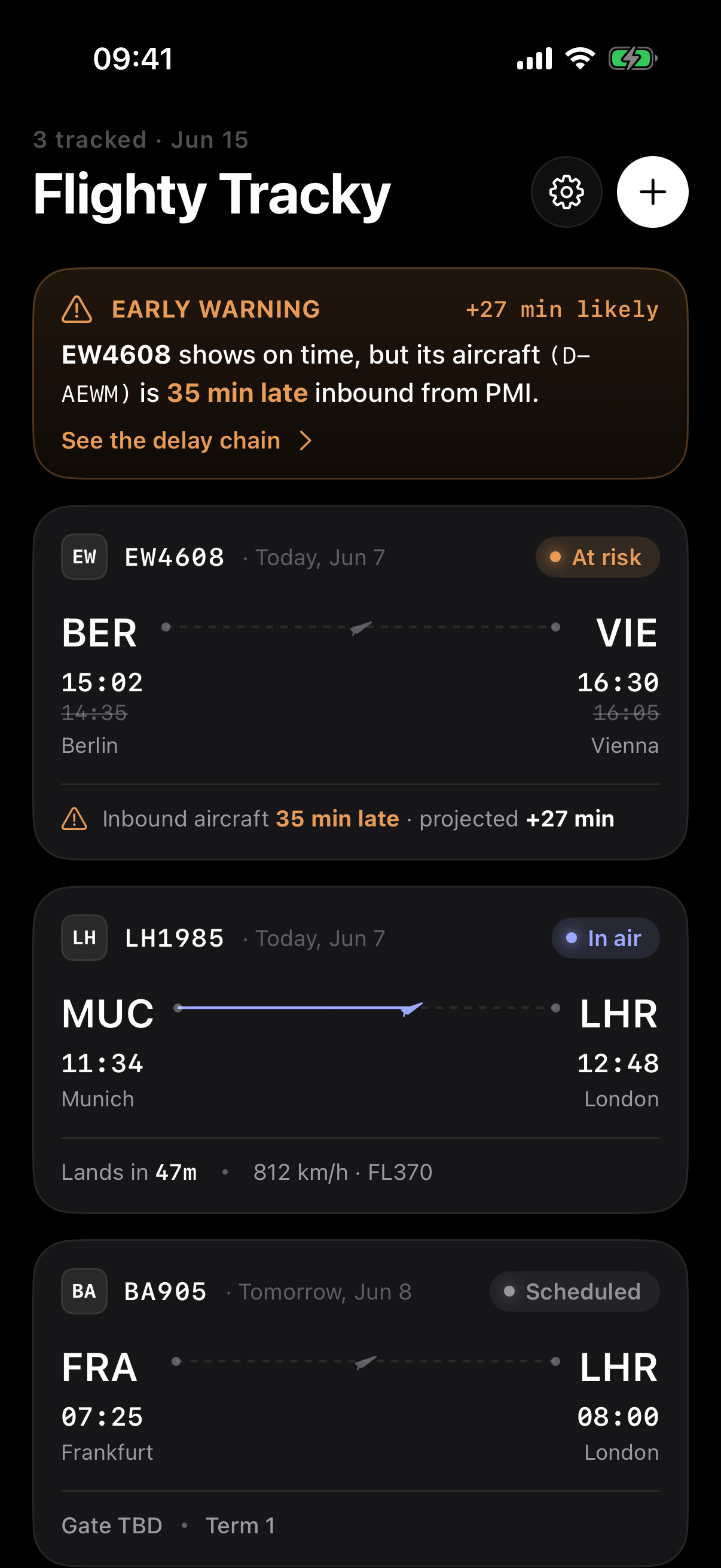
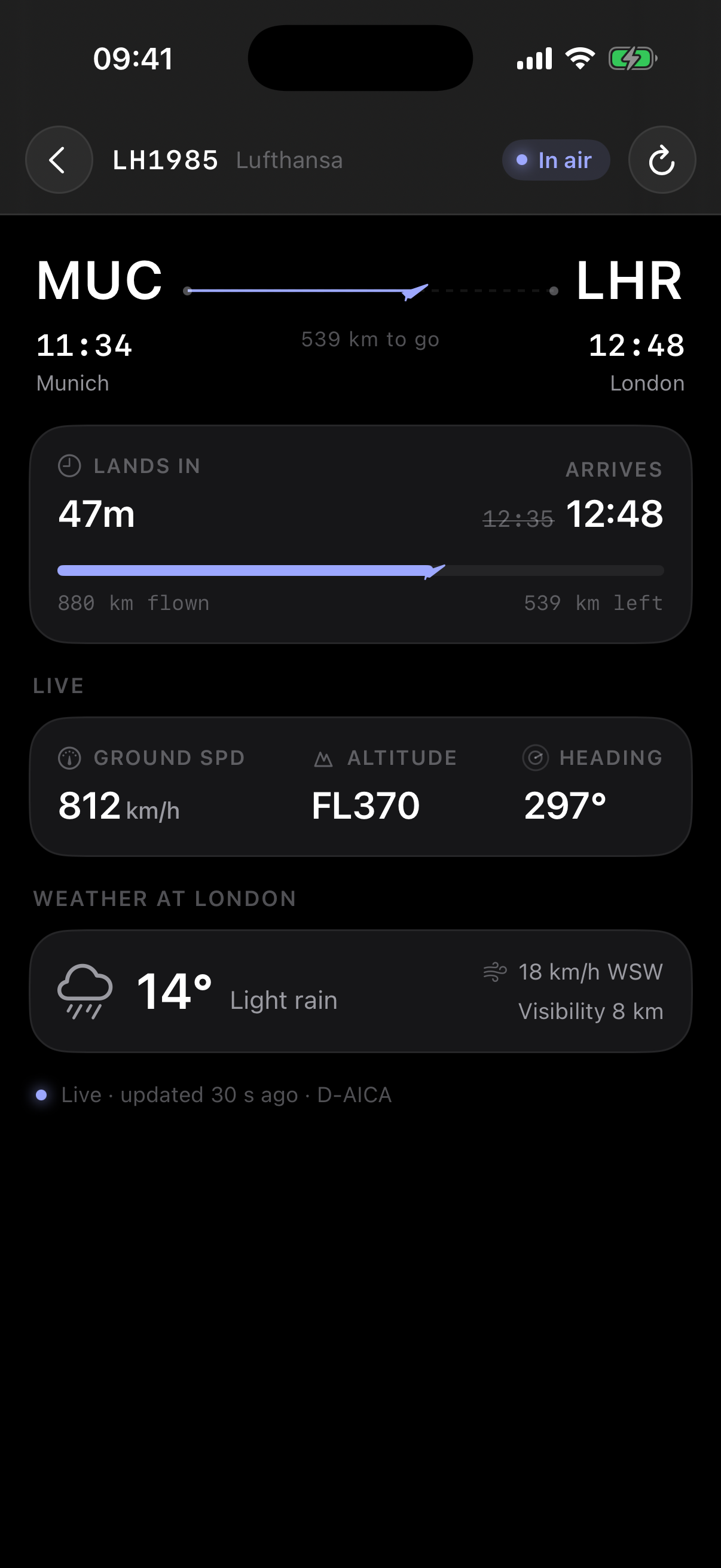
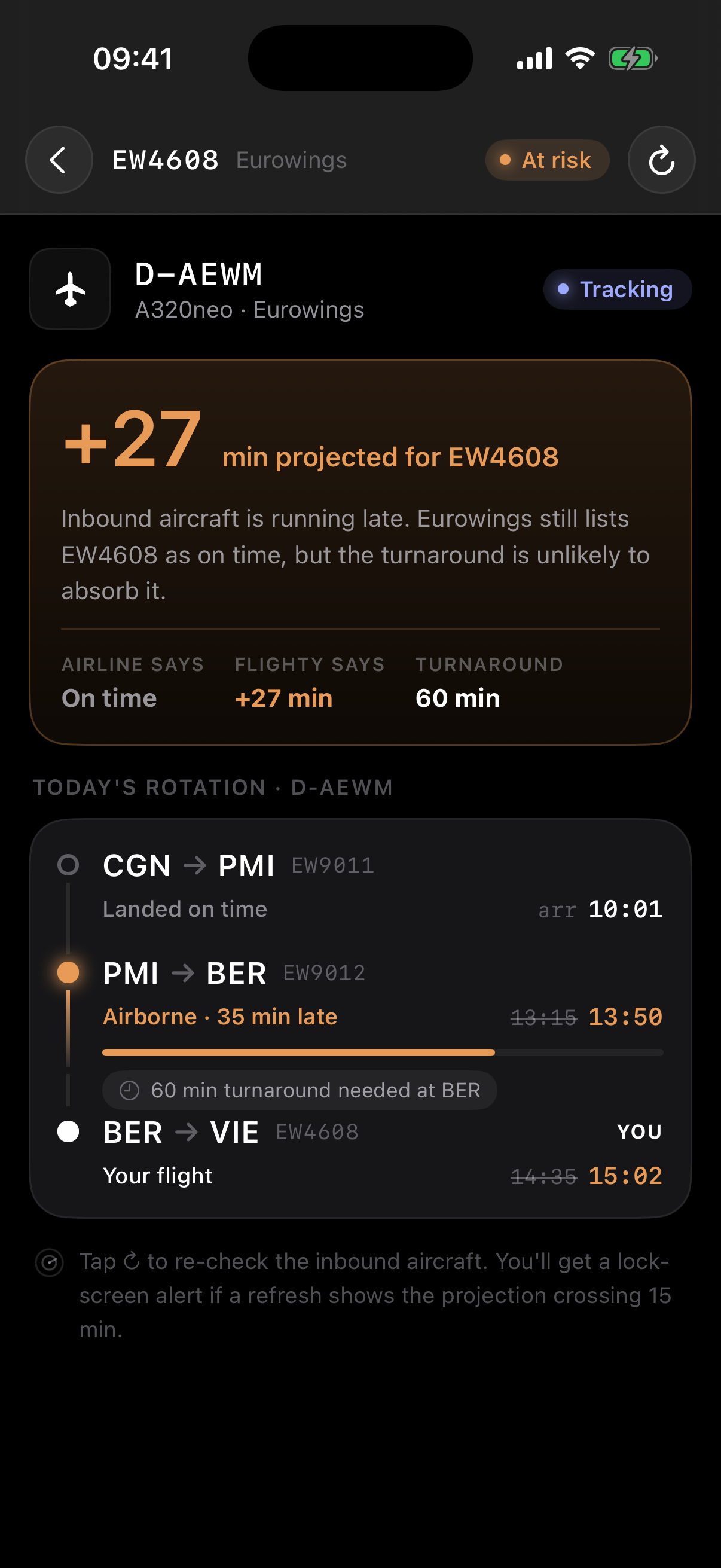
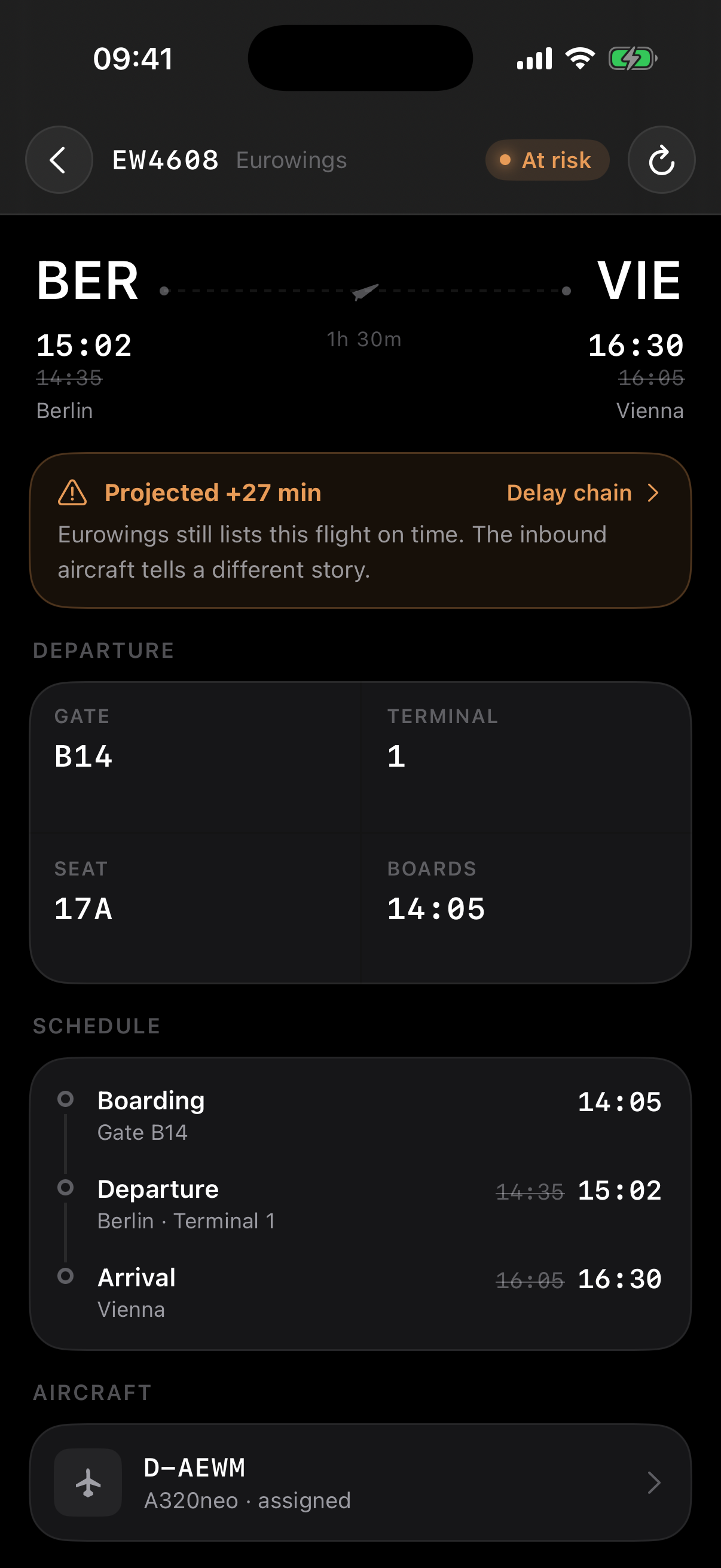
Flighty Tracky tracks a flight by number and runs a lock-screen Live Activity that counts down to departure and arrival. Its best trick is the inbound aircraft chain: it follows the previous leg my airframe is flying, so it can warn me hours early that the plane is already running late — even while the airline still lists my flight as on time.
After testing this recently with a flight that was delayed, my conclusion is that it is very hard to get good data about flights, especially of low-cost flights. Currently using AeroDataBox API, but might have to explore better options.
 Stitchy
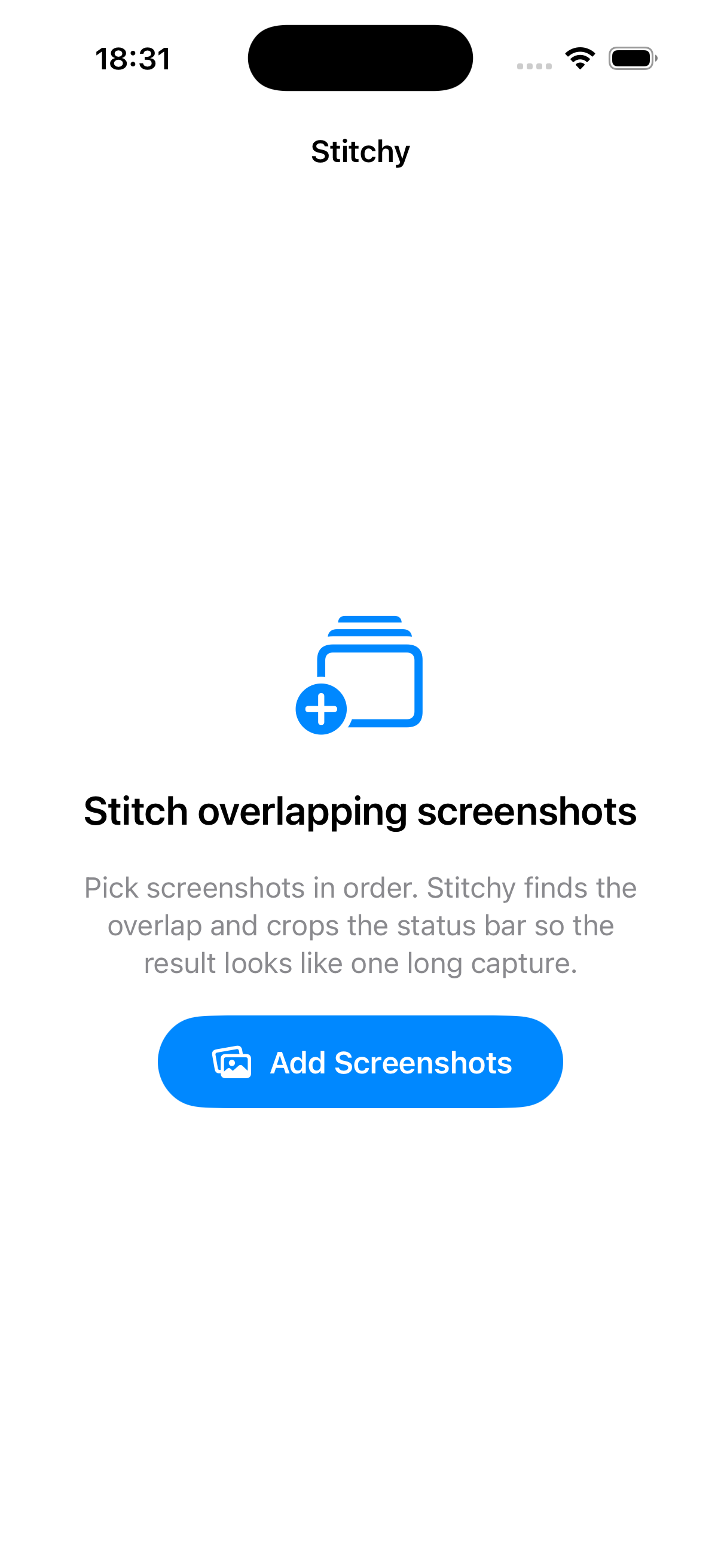
Stitchy merges overlapping screenshots into one long image — and the interesting part is that Claude Code wrote a genuine computer-vision pipeline for it, not glue code: coarse-to-fine alignment and whitespace seam-snapping to hide the sub-pixel text antialiasing where shots join. I use it for long posts on LinkedIn that I want to add into the Mind app. I take screenshots of the post and then Stitchy stitches all in one screenshot.
 SharingIsCaring
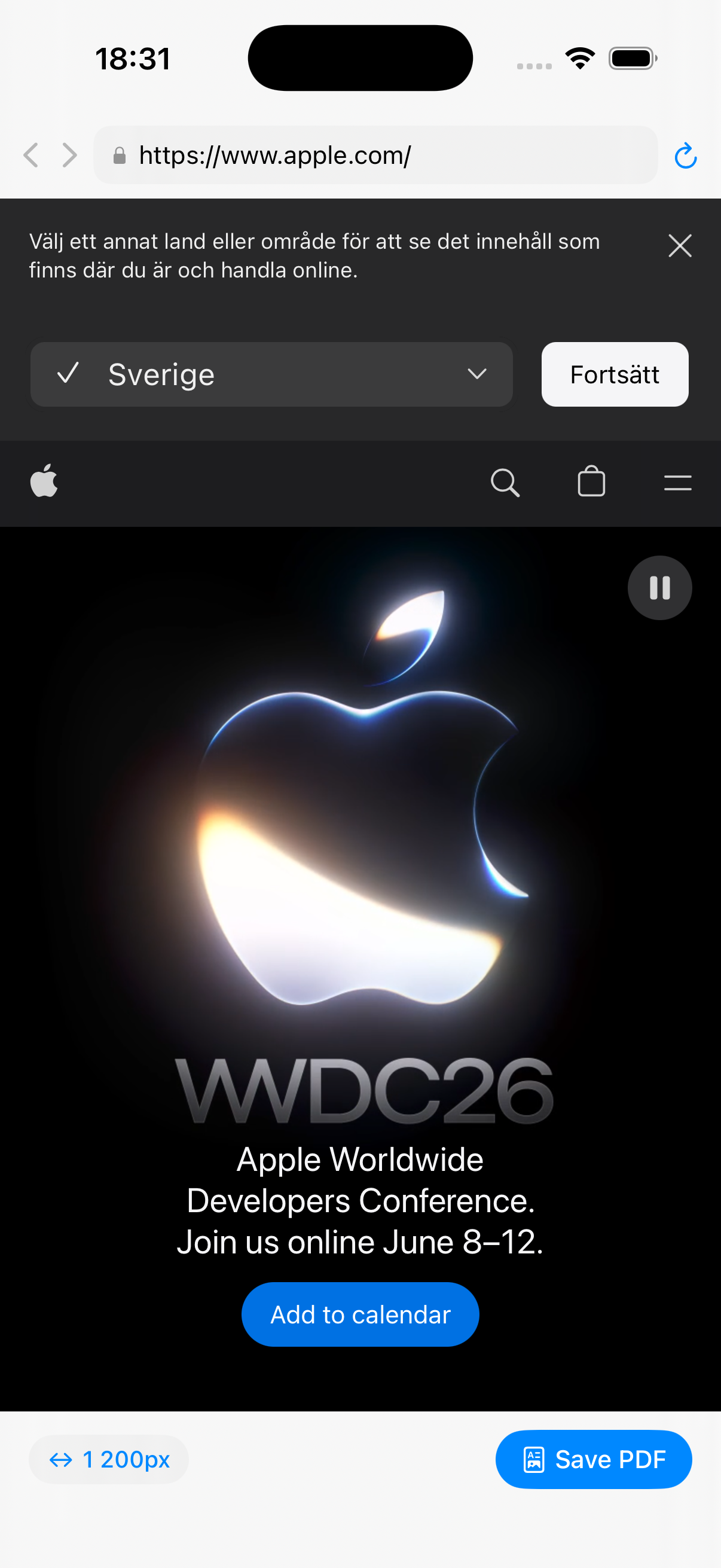
SharingIsCaring renders any web page to a full-length PDF at any viewport width. I use it for sharing articles behind paywalls to friends on WhatsApp. The difference to the simple save as pds is that I can configure the width of the PDF.
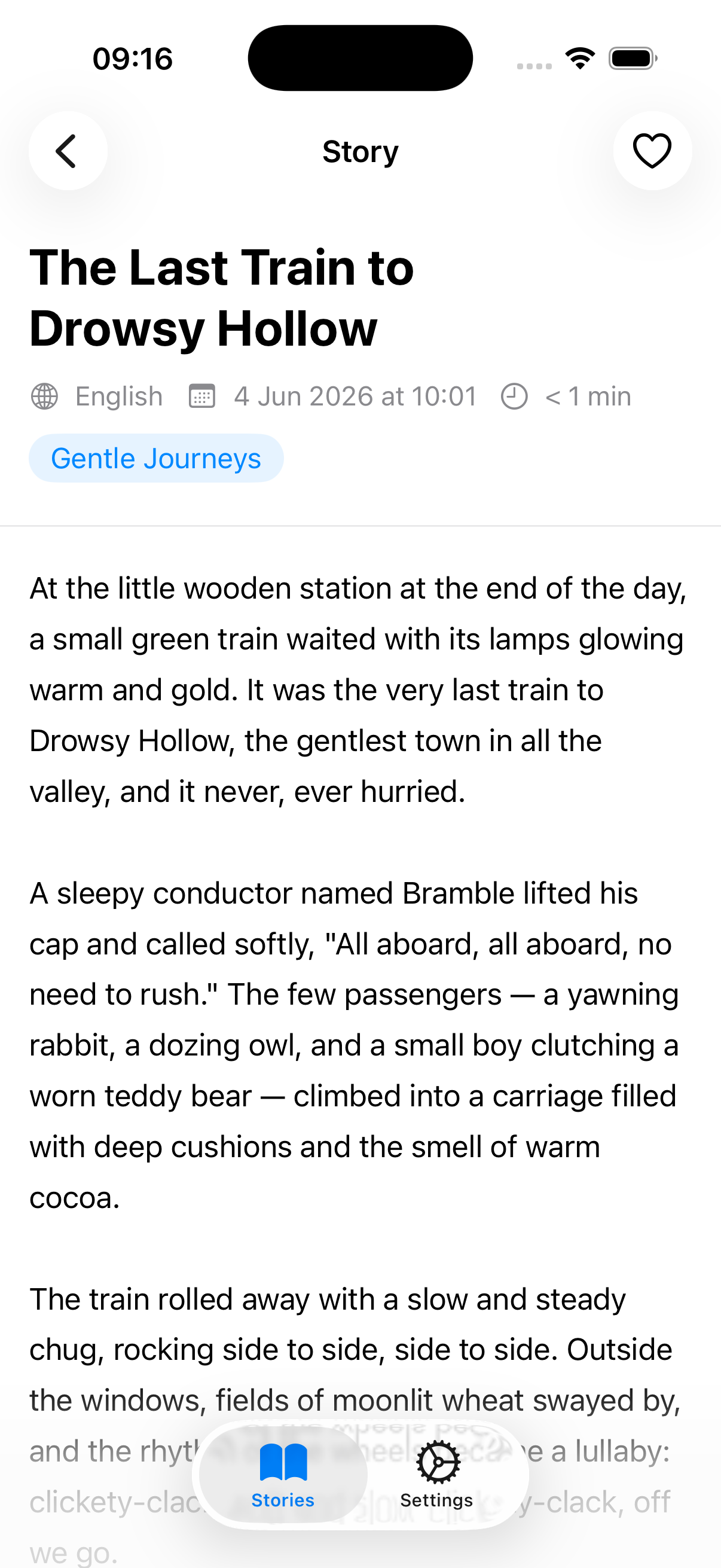
 Sleepy Stories
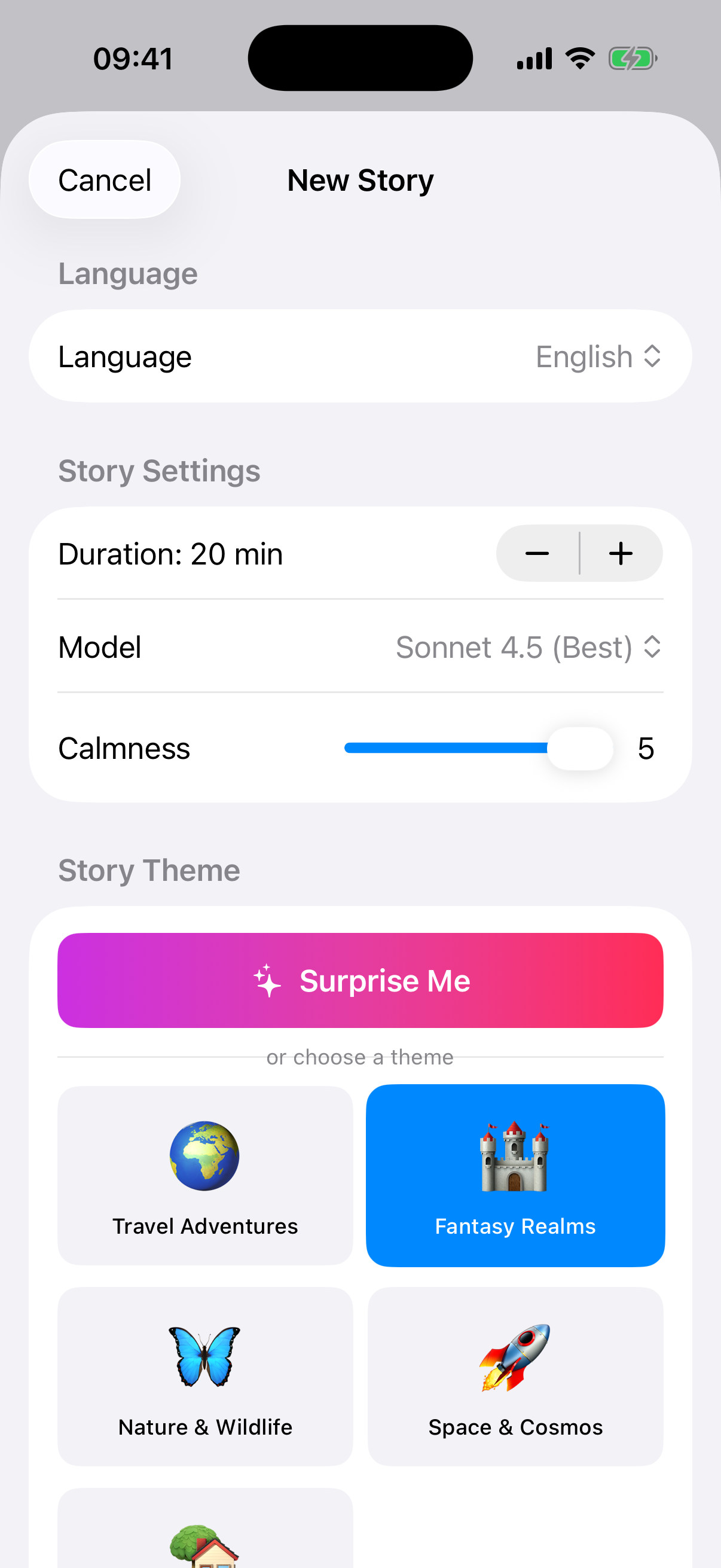
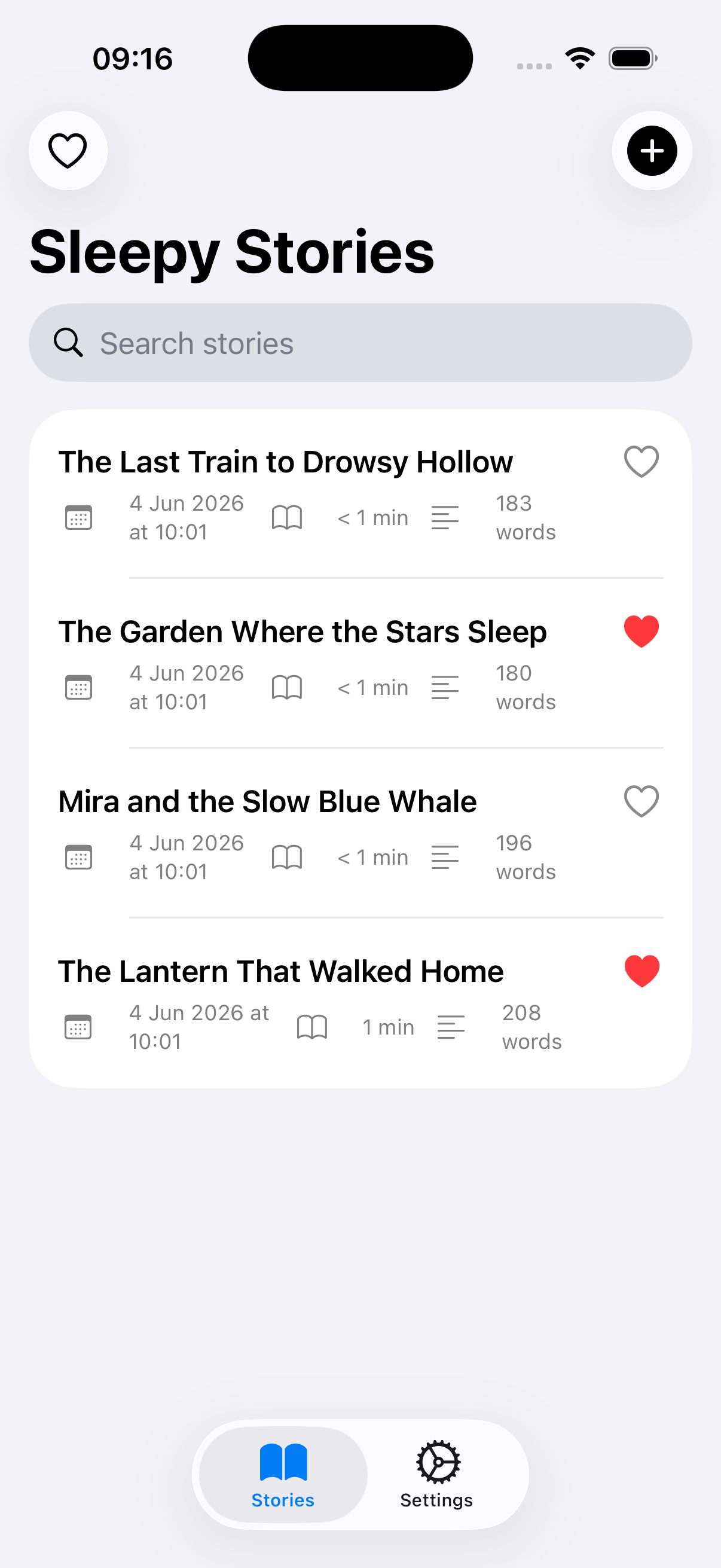
Sleepy Stories generates endless calming bedtime stories. This is the first app I have vibe-coded. It generates simple sleep stories on any topic whatsoever. Then I can have these read to me by the Eleventy reader app.
 GitHub Widgets
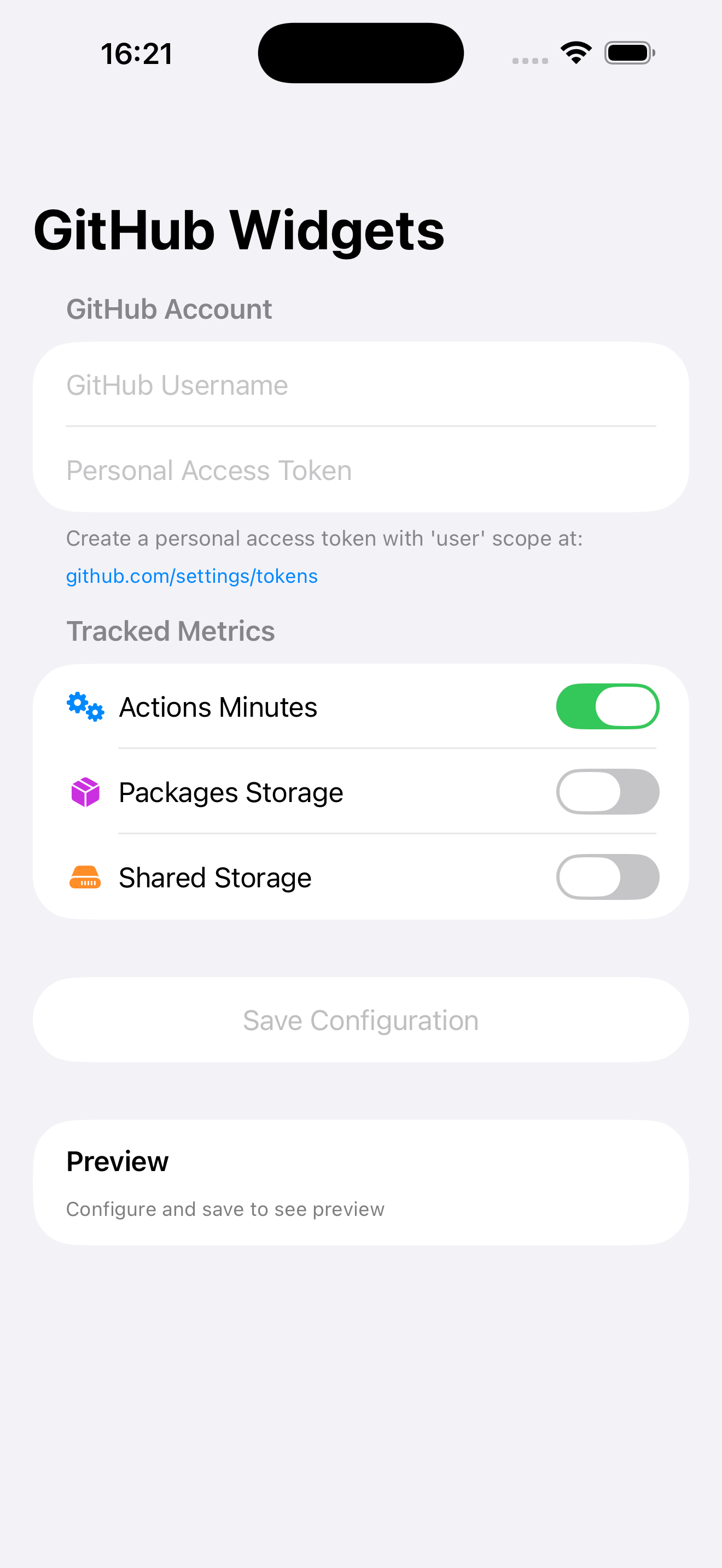
GitHub Widgets keeps my GitHub Actions spend on the home screen — and can spin up the next app from my template with one tap. The most useful part is seeing how many minutes I have left in Github Actions. Every minute of iOS workflow runs costs as 10 minutes of linux workflows, so those 3000 minutes included can run out fast with so many Testflight workflows running.
 Phony Syncy
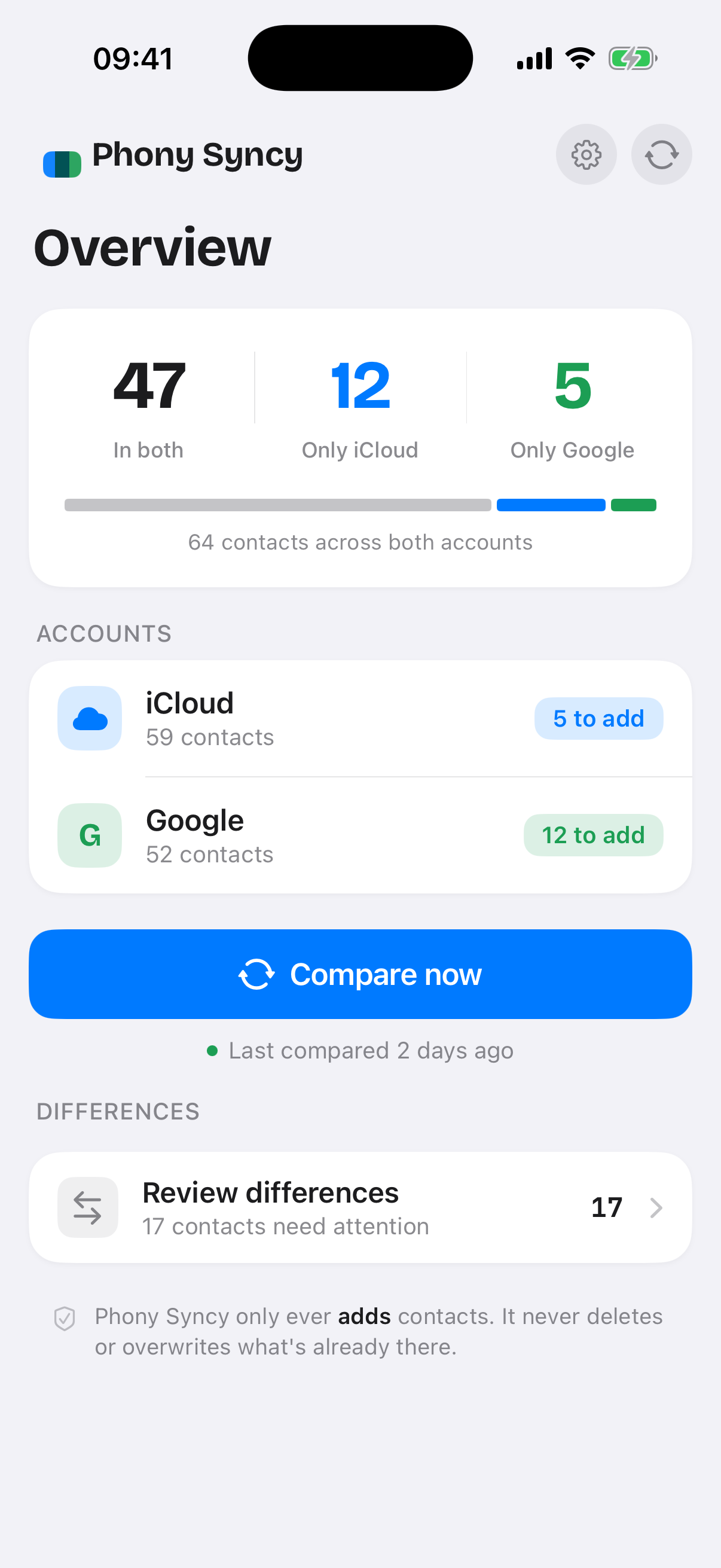
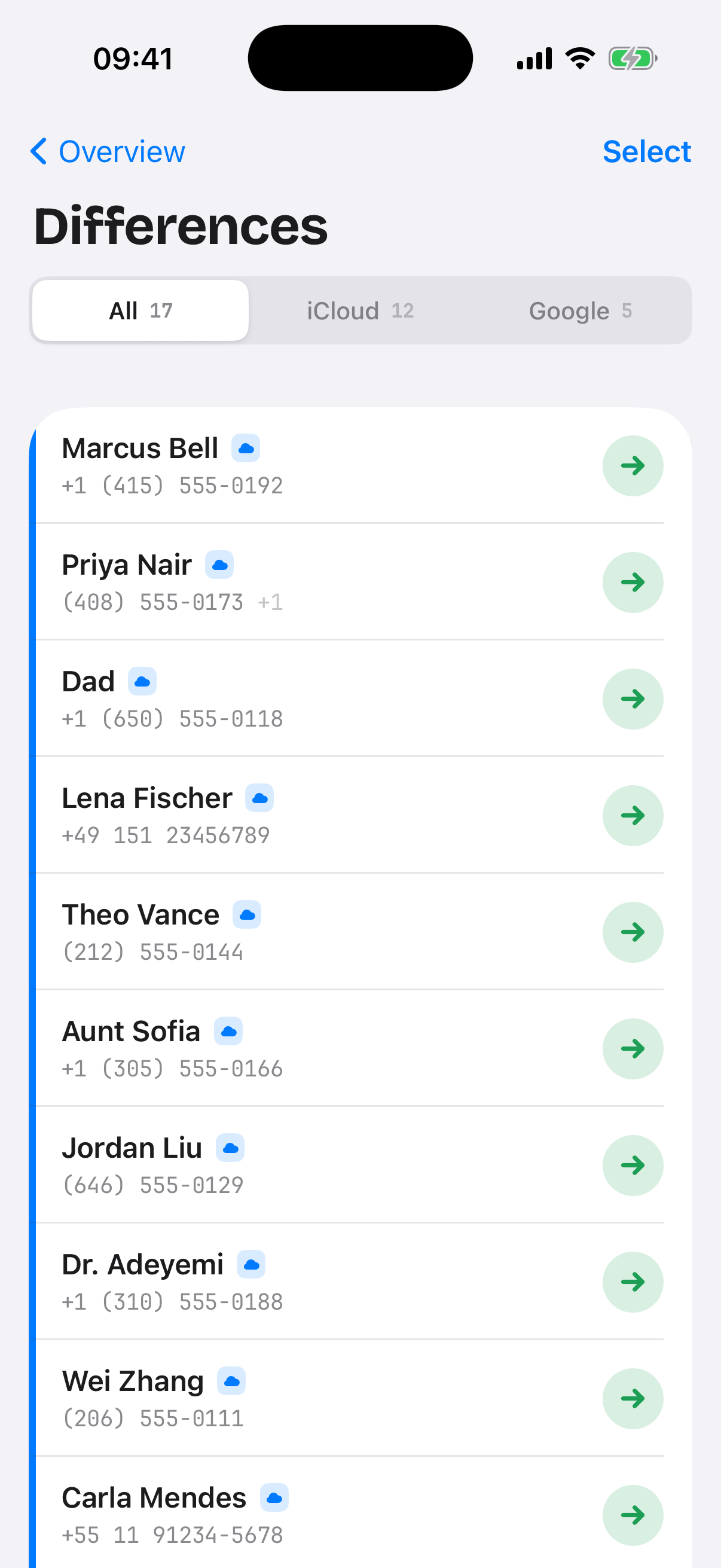
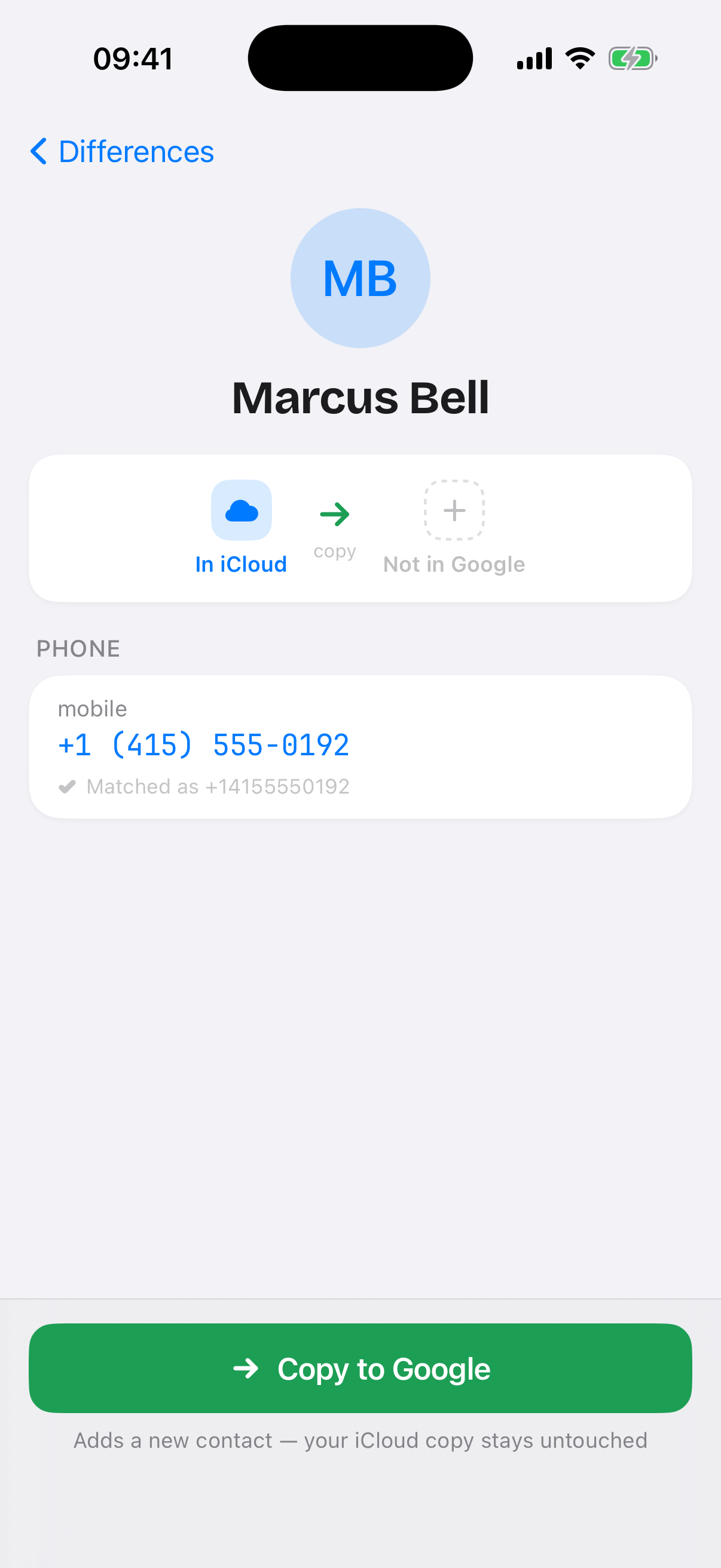
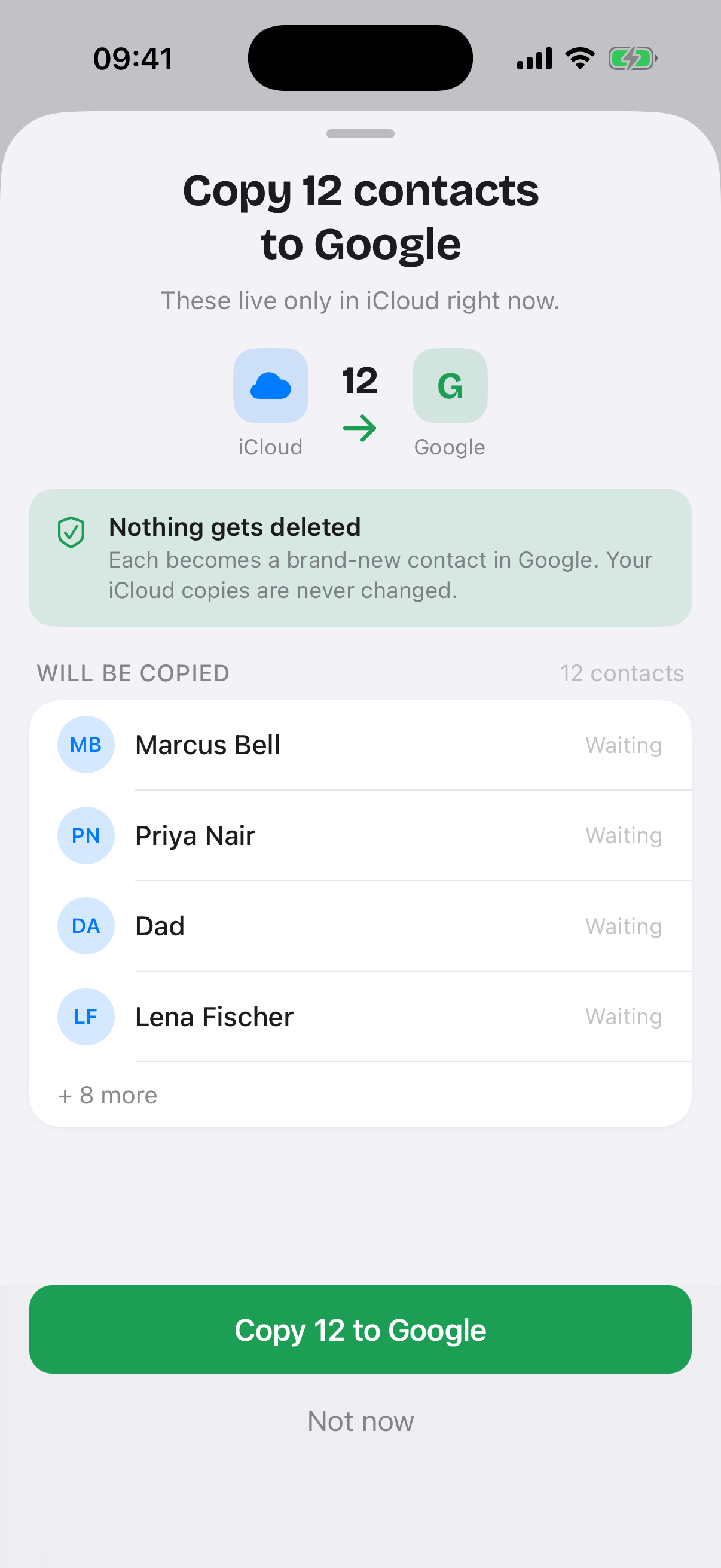
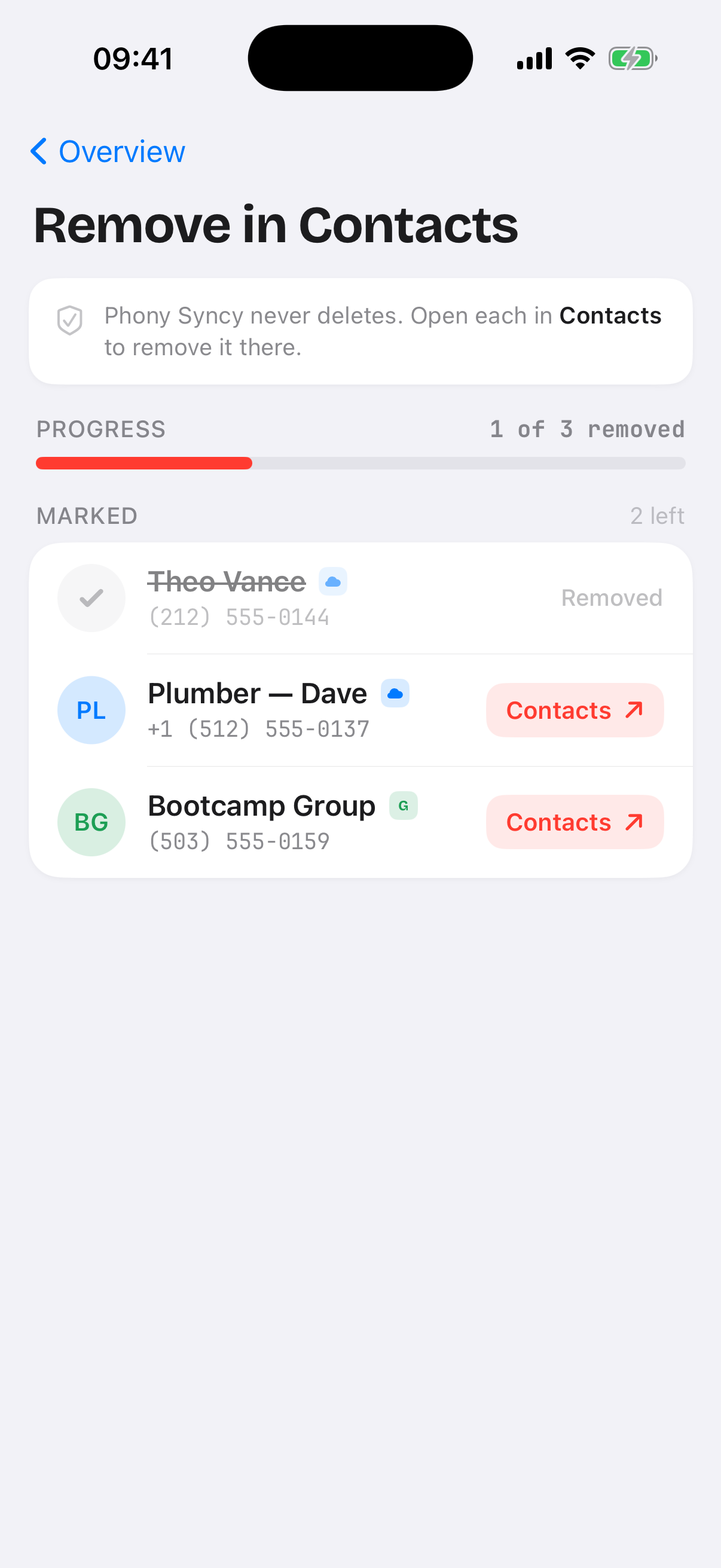
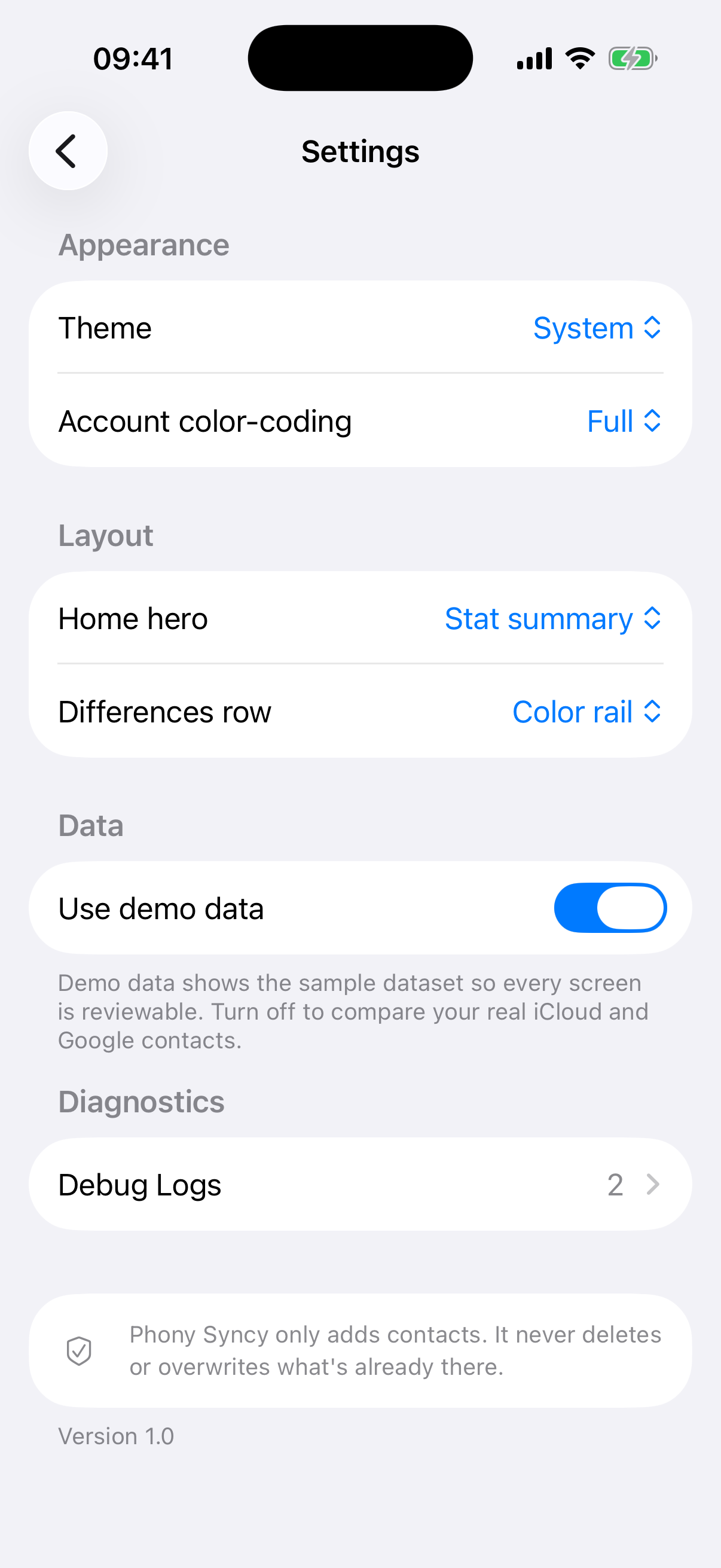
Phony Syncy compares my iCloud and Google contacts at the phone-number level and copies whatever is missing so both accounts match — entirely on-device, and strictly add-only: it never deletes or overwrites. Contacts I want gone are just marked and handed to the native Contacts app for manual deletion. Since I have been using both Android and iOS phones, it is important for my contact lists to be in sync on both and this app helps me achieve just that.
Conclusion
This is just the best-of list, I have built much more apps, but many of them weren’t that useful in the end. The cost of experimentation was very low, I did not pay extra since I have the same Claude Max subscription regardless how much I use it. I did have to update to Max at some point because I was hitting the limits and never went back. It’s quite nice to be able to test new Claude features as they come out and use the most powerful models.
What would you build if it only cost you a couple of hours?