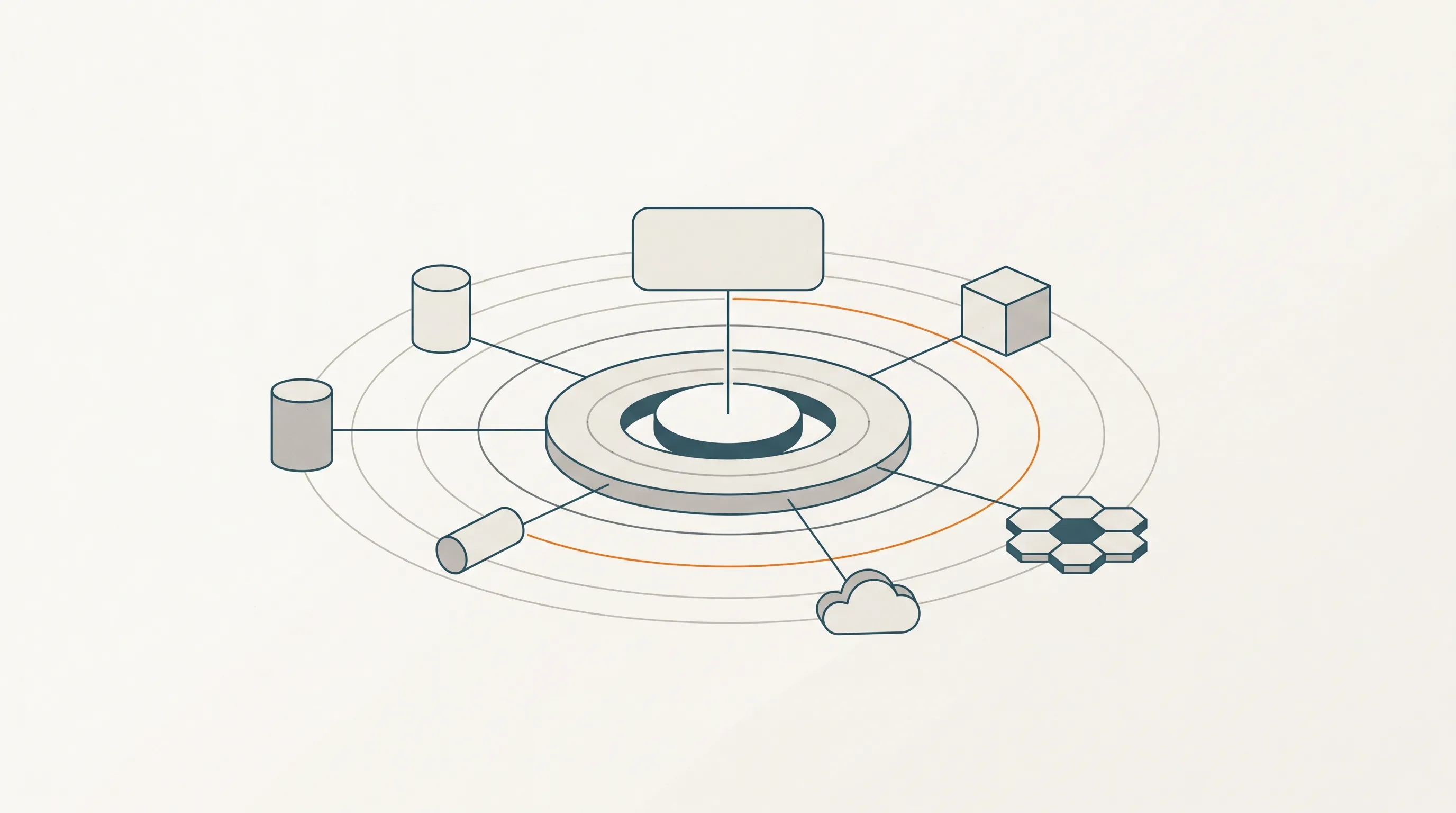
I keep writing about platforms and platform teams, and one tool that comes up a lot these days in that world is Crossplane. If you don’t work deep in infrastructure, it can feel like yet another Kubernetes thing with strange names (“compositions”, “XRDs”, “providers”) and it is not always clear what problem it is actually trying to solve.
So this post is for the people who understand Kubernetes and cloud resources in principle, but are not living in them every day. I want to go over three things:
- What Crossplane is and how it works, in plain words.
- How you can use compositions to build abstractions and simplification layers on top of your infrastructure.
- How you can use Crossplane to simply manage cloud resources.
The problem Crossplane is trying to solve
If you run anything in the cloud, you know the usual story: there is a database in AWS, a storage bucket somewhere, a message queue, some network rules, maybe a Kubernetes cluster, and so on. Each of these things needs to be created, configured, updated and eventually deleted.
Over the years, we got a lot of tools to help with this: Terraform, Pulumi, CloudFormation, the cloud provider CLIs, ad-hoc scripts, and so on. Most of them are perfectly capable of managing multiple clouds and many kinds of resources, so this is not really a “one tool per cloud” problem. Crossplane is, in that sense, on par with the others.
The difference shows up when you put this next to how modern engineering teams actually run their applications. That part usually lives on Kubernetes: Deployments, Services, Helm charts, Argo CD or Flux, continuous reconciliation, RBAC, secrets, the whole model. So you end up with two worlds side by side:
- The infrastructure world, where you run
planandapply, store state somewhere, and trigger pipelines to change things. - The application world, where you just
kubectl apply(or let GitOps do it for you) and a controller keeps reality in sync with desired state, continuously.
These two worlds have different mental models, different permission systems, different tools for drift detection, and different ways of wiring things together. When a developer asks “how does my service get its database connection string?”, the answer often involves gluing the two worlds with scripts or CI jobs.
What Crossplane brings to the table is not “yet another multi-cloud tool” — it’s the idea of managing infrastructure using the same control plane and the same model you already use for your applications. One API, one reconciliation loop, one set of tools around it.
What Crossplane is
The shortest definition I can give is:
Crossplane is a control plane for your infrastructure that runs on top of Kubernetes.
Let’s unpack that.
Kubernetes is very good at one specific thing: you tell it what you want (a desired state), it keeps comparing that with reality, and if they don’t match, it changes reality until they do. That is what we call a control loop, and it is the heart of Kubernetes. Deployments, services, pods — all of them work like that.
Crossplane takes this idea and says: what if we used the same control loop to manage things that live outside the cluster? A database in AWS. A DNS zone. A GitHub repository. A user in some SaaS tool. Anything with an API.
To do that, Crossplane installs into your cluster and adds new types of Kubernetes resources that represent these external things. You then write YAML for, say, an RDSInstance, apply it like any other Kubernetes resource, and Crossplane talks to AWS on your behalf to make that database exist. If someone changes the database behind your back, the control loop will notice and reconcile it back. If you delete the Kubernetes resource, the database gets deleted too.
The pieces that make this possible are:
- Providers: plugins that know how to talk to a specific API. There is
provider-aws,provider-gcp,provider-azure,provider-github, and many others. Installing a provider adds new resource types to your cluster. - Managed Resources (MRs): the Kubernetes resources that represent individual cloud objects. One managed resource maps to roughly one thing in the cloud — one bucket, one database, one VPC.
- Composite Resources (XRs) and Compositions: the building blocks for higher-level abstractions. This is where it gets interesting for platform teams.
Using Crossplane to just manage cloud resources
Let’s start with the simpler of the two stories. Forget compositions for a moment. You can use Crossplane purely as a way to manage cloud resources from your cluster, instead of using Terraform or a CLI.
The flow looks like this:
- You install the Crossplane controller into your Kubernetes cluster (usually via a Helm chart).
- You install the provider you need, for example
provider-aws-rds. - You give Crossplane credentials to talk to AWS (via a
ProviderConfig, usually pointing at a Kubernetes secret or an IAM role). - You write a YAML file describing the database you want. Something like:
apiVersion: rds.aws.upbound.io/v1beta1
kind: Instance
metadata:
  name: my-service-db
spec:
  forProvider:
    region: eu-west-1
    engine: postgres
    instanceClass: db.t3.small
    allocatedStorage: 20
    username: appuser
autoGeneratePassword: true- You
kubectl applyit. Crossplane picks it up, creates the database in AWS, and keeps the Kubernetes object’s status in sync with what it observes in AWS.
That’s it. No state files to store somewhere. No pipelines to orchestrate plan and apply. The “state” is simply the Kubernetes resource, and the source of truth is the cluster.
Why is this nice, even on its own?
- One model: you describe everything as Kubernetes resources, with the same RBAC, the same GitOps tooling (Argo CD, Flux), the same templating, the same audit trail.
- Continuous reconciliation: the moment someone changes the database out-of-band, the controller will notice and correct it. This is a step up from tools that only act when you run them.
- Composable with the rest of your cluster: you can have a ConfigMap or a Secret be an input to a managed resource, or use the database’s connection secret as an input to a Deployment. Crossplane plays nicely with all of it.
At this level, Crossplane is already pulling its weight: it replaces a good chunk of what you used to do with Terraform, and it plugs directly into the way your cluster already works. But the real magic is the next step.
Compositions: building abstractions for your users
This is the part that makes Crossplane interesting for platform teams.
If you expose raw managed resources to application developers, you are not really helping them. A developer who just wants “a Postgres database for my service” should not have to care about subnets, parameter groups, backup windows, encryption keys, and parameter groups (yes, I said it twice, because they really are annoying). Those are things the platform team should decide once, on behalf of the organisation.
Compositions are how you do that in Crossplane. The idea is:
- You define a new kind of resource that makes sense in your company’s language. For example,
PostgresDatabasewith a few simple knobs:size: small | medium | large,environment: dev | staging | prod,team: payments. - You write a composition that says: “when someone asks for a
PostgresDatabase, here is the recipe of managed resources I create for them”. That recipe might include an RDS instance, a subnet group, a security group, a secret, maybe a DNS record, maybe some IAM roles. - Developers only ever see and use the simple resource. All the complexity stays inside the composition, owned by the platform team.
Concretely, there are two things to write:
- A Composite Resource Definition (XRD): this is like defining a new API. You describe the schema of the resource your users will interact with (the fields, their types, what’s required, what the defaults are). The XRD uses OpenAPI schema, so validation happens automatically when someone tries to apply a bad value.
- A Composition: the implementation behind that API. It maps inputs from the XRD into a set of managed resources, and optionally copies outputs back (like connection details).
From a developer’s point of view, the experience becomes something like:
apiVersion: platform.mycompany.io/v1alpha1
kind: PostgresDatabase
metadata:
  name: payments-db
spec:
  size: small
  environment: prod
  team: payments
They apply this, and behind the scenes ten different managed resources get created with the right naming conventions, tags, network rules and backup policies — because the platform team baked those into the composition. If tomorrow the platform team wants to, say, change the default encryption key or add a new firewall rule to every database, they change the composition once, and every existing database gets reconciled.
This is where Crossplane really starts to look like a platform and not just a different flavour of IaC. You are not shipping infrastructure to your developers — you are shipping products that your developers consume, with a typed, validated API. The internal details become an implementation choice that can evolve over time without breaking the contract with users.
Why this combination matters
The two stories above are the same tool used at two different depths:
- For the platform team, Crossplane is the place where you manage infrastructure: providers, credentials, managed resources, GitOps pipelines, the works.
- For the developers using the platform, Crossplane disappears behind the abstractions the platform team builds. They interact with a handful of simple, well-named resources that represent the things they actually care about (“a database”, “an environment”, “a service with a queue”), and the platform team is free to change the implementation underneath.
This combination — using the same tool for both the low-level plumbing and the high-level developer-facing API — is what makes Crossplane fit well with the platform engineering mindset. The boundary between “infra” and “product” stops being about which tool you use, and becomes about which layer of the composition you are looking at.
A few honest caveats
Before I wrap up, a few things worth being aware of before you adopt it:
- Crossplane is Kubernetes-native, so you need a cluster to run it in, and you need people who are comfortable operating one. If you don’t have that, the cost of adopting Crossplane is not just Crossplane — it is also the cluster.
- Compositions are powerful, but they are also a language you have to learn. Writing your first one will take longer than you expect. Writing your tenth will feel natural.
- Not every provider is equally mature. Before committing to Crossplane for a specific cloud resource, check that the provider actually covers the fields you need.
- The documentation is, honestly, rough. The official docs live on Upbound’s site (Upbound is the company behind Crossplane and also sells a paid version), and browsing them is more painful than it should be. It’s easy to land on the wrong page and not realise it: there are old “monolithic” providers and newer modular “families”, there are community providers and paid Upbound ones, and the navigation doesn’t always make the distinction obvious. Expect to spend some time figuring out which version of which provider you are actually looking at.
- “Everything is a Kubernetes resource” is a strength, but also a constraint. There are things that feel more natural in other tools, and that is fine. Crossplane doesn’t have to be all-or-nothing.
Wrapping up
If I had to give one sentence that captures why I like Crossplane: it lets a platform team use one control plane for both “managing cloud resources” and “offering opinionated products to developers”, which is exactly the two jobs a platform team is usually trying to do at the same time.
If you are curious, a good first step is not to try to rewrite your entire infrastructure in Crossplane. Pick one resource — a bucket, a small database, a DNS record — and manage it with Crossplane for a while. Once that feels comfortable, wrap it in a small composition and see how the experience changes for the person consuming it. That’s usually when it clicks.